
A bug in Windows 11 is crashing Explorer.exe, which could make your desktop UI disappear, including the taskbar. And if you don’t see the taskbar, you also cannot open the Start menu in most cases. Microsoft confirmed that it’s aware of the issue and included the fix in Windows 11 KB5074105 (an optional update for January 2026).
As you might know, explorer.exe is as important as the Windows shell. When explorer.exe stops responding, Windows 11 lands in an unusable state as the taskbar and desktop simply disappear or stop responding unless you manually open Task Manager (Ctrl + Shift + Esc) and restart explorer.exe if it’s already running. Otherwise, start a fresh explorer.exe.
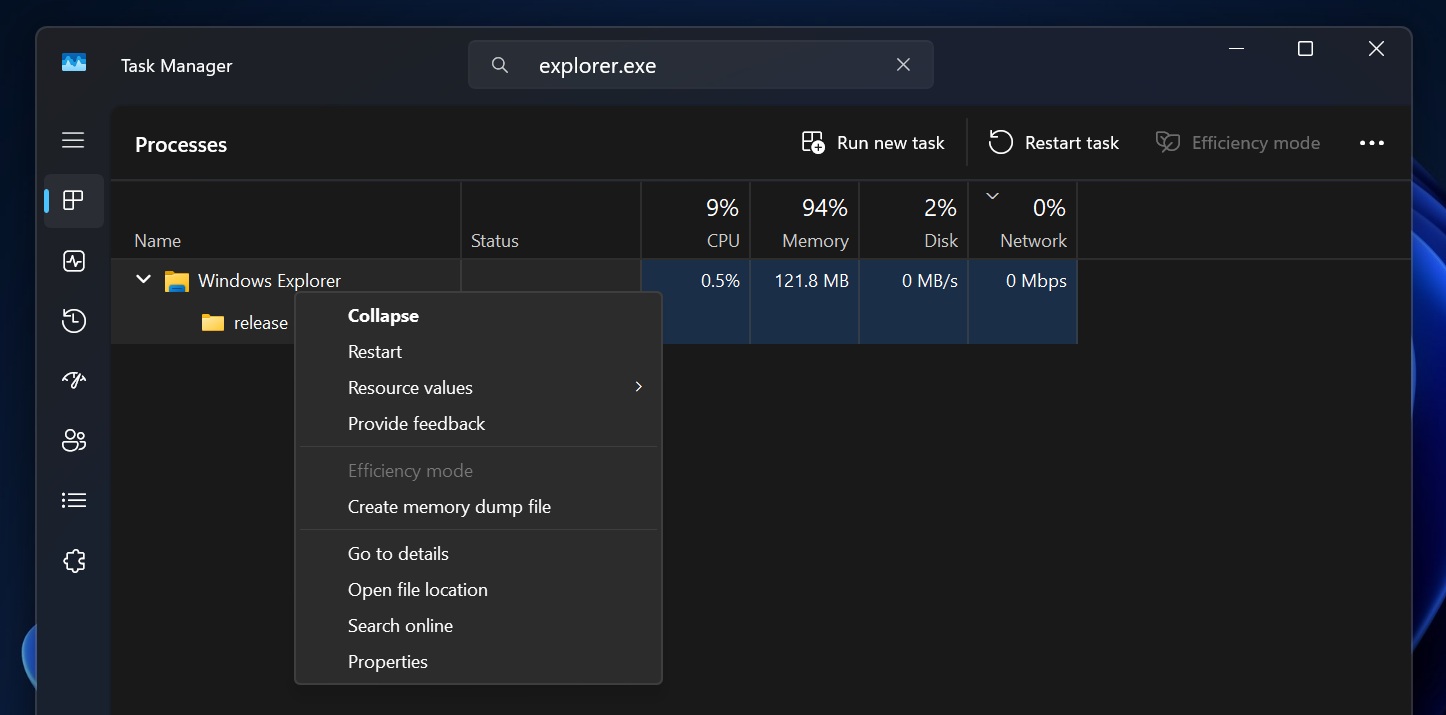
Windows 11 January 2026 Update and older Windows updates have a bug that crashes Explorer.exe, but if you install Windows 11 KB5074105, you’ll no longer run into the problem.
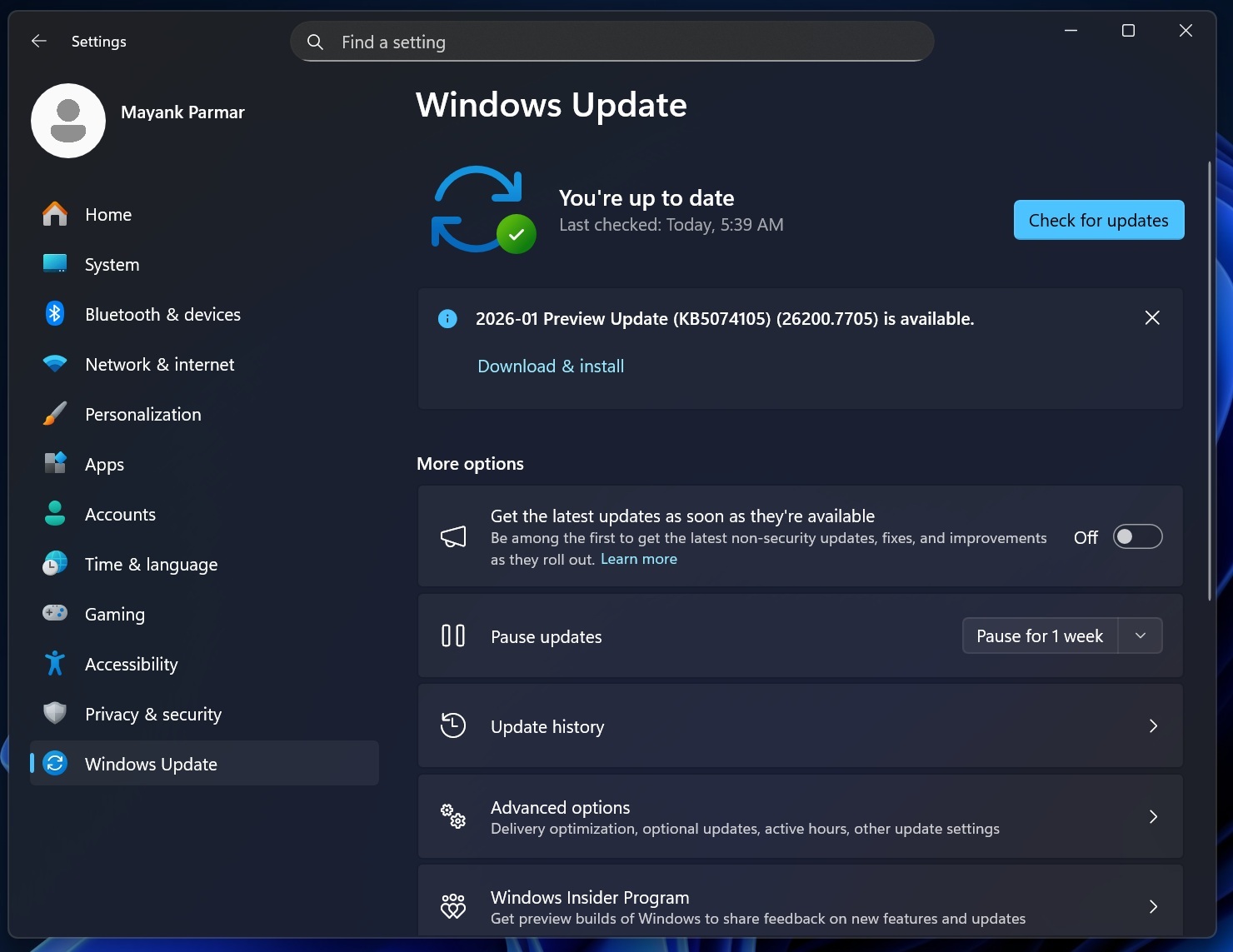
It is worth noting that Explorer.exe crashes specifically affected Windows installations with certain startup apps configured.
“This update addresses an issue where Explorer.exe might stop responding (hang) the first time you sign in to your PC if certain apps were configured as startup apps. This could make the taskbar not appear,” Microsoft noted in a support document.
Microsoft won’t give us the list of “startup apps” that affect explorer.exe, but it’s recommended to try the optional update if you’re having performance or explorer.exe-related issues. If you have Build 26200.7623 or newer, the optional patch is applied to your PC.
However, remember that Microsoft is rolling out the explorer.exe fix “gradually,” so it won’t instantly apply to your PC.
Microsoft is rolling out fixes for several issues in Windows 11
After the Windows 11 KB5074109 debacle, this week’s optional update (KB5074105) feels like a much-needed calm, and we have some noteworthy fixes to talk about.
In the January 2026 Update, Windows Latest spotted a bug that caused Explorer to ignore the LocalizedResourceName entry, which is used to show a custom or friendly folder name. Even when the file was set up correctly and all required attributes were applied, Explorer would still display the real folder name.
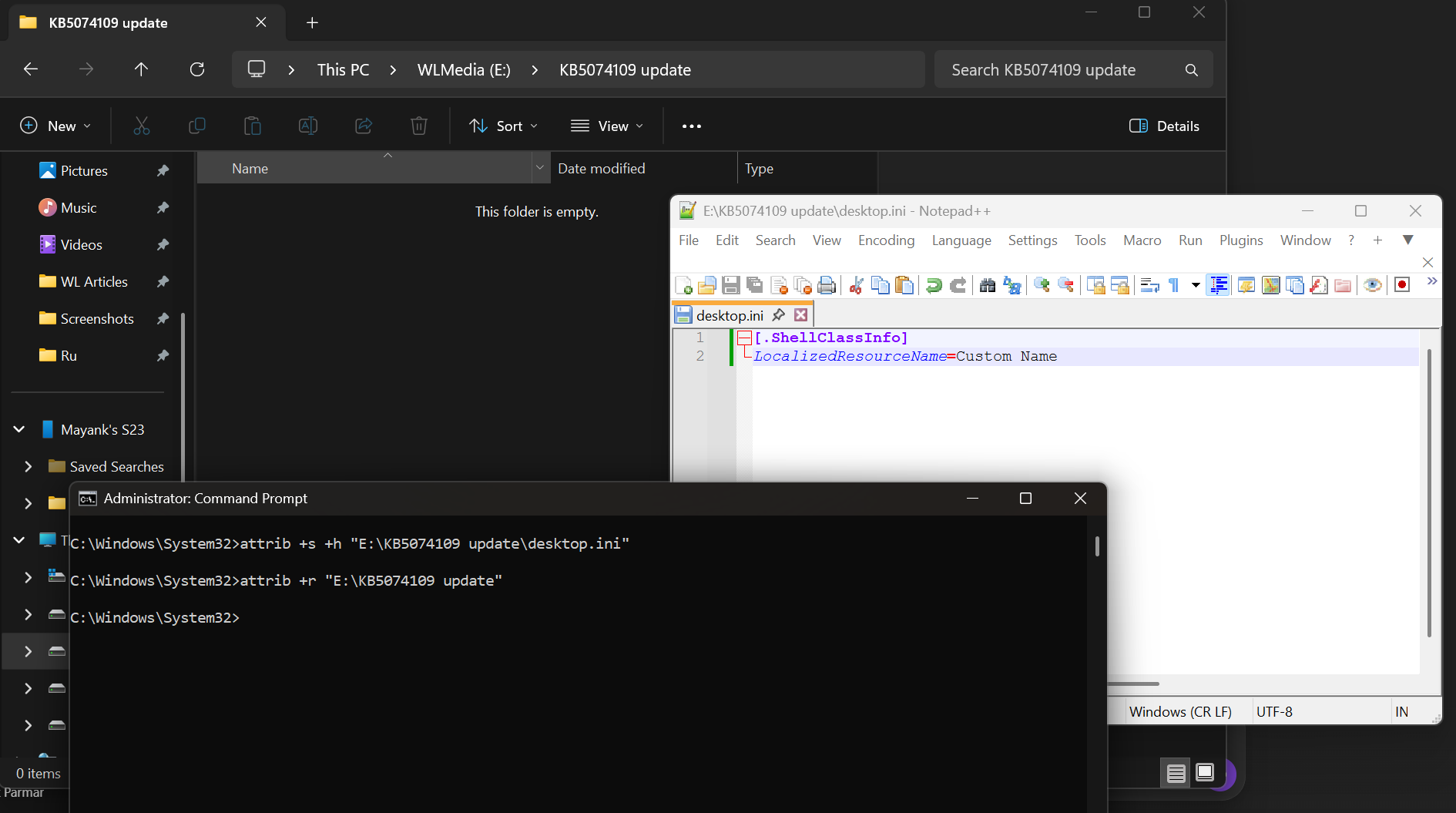
Windows was seeing the folder but skipping the step where it applies custom display rules, which is why uninstalling the update temporarily fixed the problem.
For example, someone might have a folder physically named 2026_Projects_Internal_Final, but Explorer normally shows it as “Projects” using desktop.ini. After the bug, users suddenly saw the long, messy name everywhere, making folders harder to recognize and breaking long-used setups.
KB5074105 restores the correct behavior, so Explorer once again reads desktop.ini properly and applies custom folder names as expected. Moreover, a bug that causes parts of File Explorer to stop responding (or respond slowly) has been patched.
In addition, Microsoft patched an issue where the lock screen might become unresponsive. In that case, you won’t be able to drag or pull the lock screen to access the lock screen.
Also, if you had black screens, this update should help. It turns out the black screen problem was not due to Nvidia’s driver after all, as Microsoft found it’s linked to a Windows Update. Our tests showed that January 2026 update (KB5074109) caused black screens, but it’s all good now.
What about you? Do you see any issue in Windows 11 that is not yet acknowledged by Microsoft? Let me know in the comments below, and we’ll forward your feedback to Microsoft.
The post Microsoft says latest Windows 11 issue crashes explorer.exe, makes taskbar disappear, but a fix is rolling out appeared first on Windows Latest