
Windows 11 has a lesser-known feature called ‘Resume.’ Microsoft describes it as a ‘Continuity’ between apps on the desktop and other platforms (Android). Windows Latest understands that Windows 11’s ‘Resume’ could soon support more apps, only those that are also available on Android. iOS is not supported for now.
In an update to its support document, Microsoft has confirmed that Resume feature will soon work with more third-party apps on Android. The app needs to be available on both PC and Android.
More recently, Microsoft rolled out support for Spotify, where you could pause a song on your phone and resume it on your PC. While it’s a good idea, implementation has been really slow. The Resume showed up almost a year ago, and only support for OneDrive is available in the public builds.
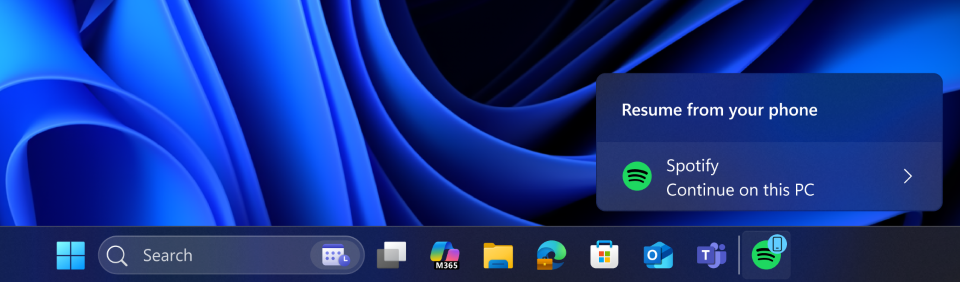
Support for just two apps is pretty embrassing at this point and makes Resume a less appealing feature.
Why the support for Windows 11’s Apple handoff-like” Resume feature is so limited?
The blame lies with how Microsoft integrated the API for Resume into Windows 11. Until now, only apps that used the ‘Link to Windows’ app-based solution could access Resume integration. It was not a good idea, as ‘Link to Windows’ limits support for apps. Most developers aren’t familiar with it or their apps are not supported.
Now, Microsoft is unlocking ‘Resume’ for more Android apps by adding a second integration path where apps can rely on the built-in Windows Notification System (WNS). This change means ‘Resume’ will now work with a wide variety of apps.
When I asked Microsoft if any developer can start using ‘Resume’ and show notifications for Continuity on Windows 11, the company told me that “Resume” feature is not open to everyone by default.
Developers need to email Microsoft for approval with WNS registration and app’s Package SID, a description of the experience, and screenshots. That’s because ‘Resume’ could end up becoming a flagship feature on Windows 11, and Microsoft doesn’t want to flood it with random apps.
A support document also confirmed that apps can register with WNS and request a notification channel. That gives developers a unique Channel URI, and Windows app then sends that Channel URI to backend so server knows where to deliver Resume requests for that user/device.
The idea is similar to Apple’s Handoff, where you can start a task on your iPhone and finish it on your MacBook or vice versa. For example, if you’re writing an email in Mail on an iPhone, but you want to switch to a Mac. In that case, you can use ‘handoff’ to pick up where you left off.
Where to find ‘Resume’ feature in Windows 11?
On Windows 11, if you open Settings > Apps and scroll a bit, you will find ‘Resume. It shows ‘OneDrive’ as one of the supported apps, and it should be the case on your PC too, even if you don’t have OneDrive installed.
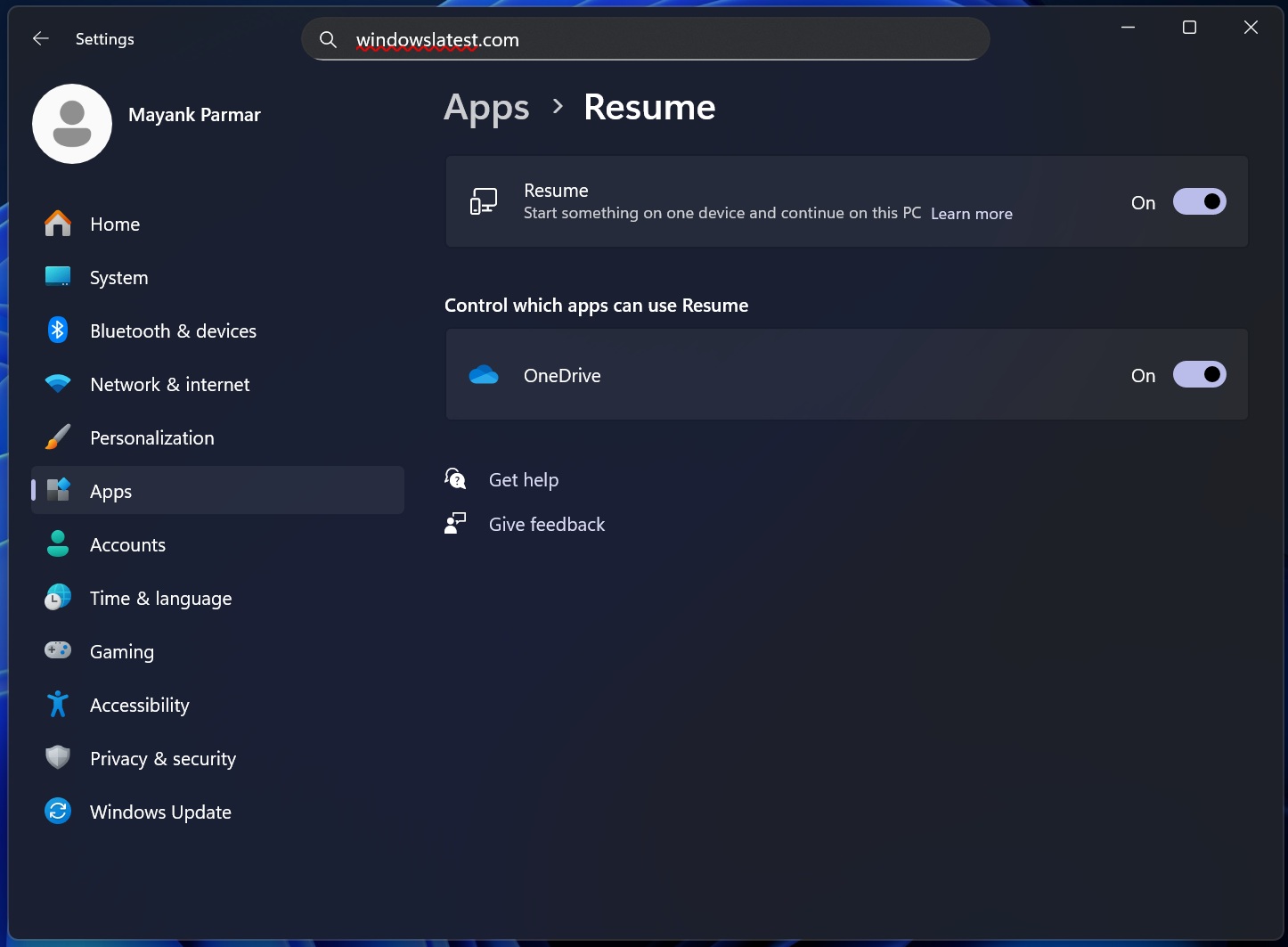
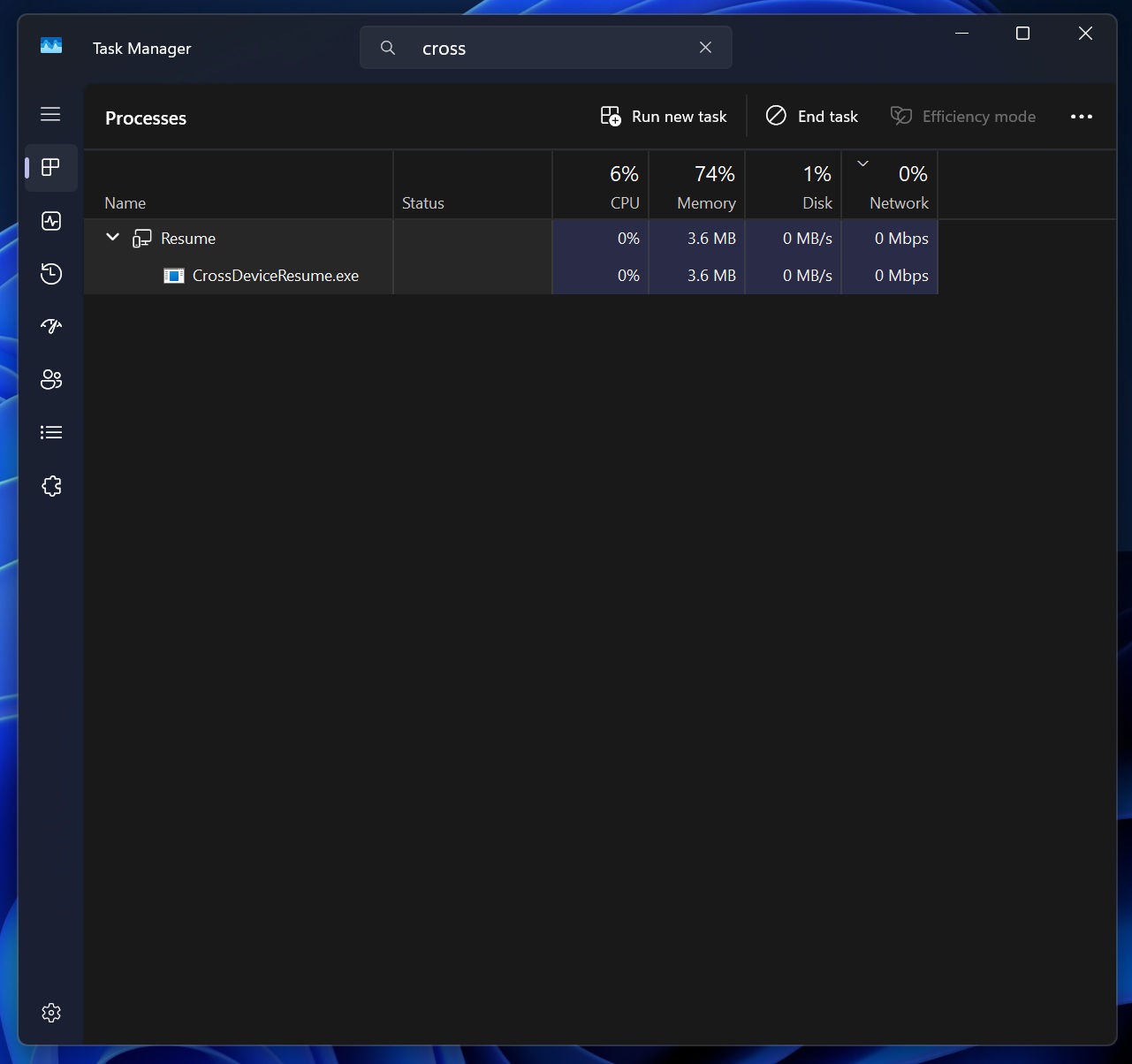
Resume is turned on by default, and Windows automatically runs a process in the background. It’s called CrossDeviceResume.exe.
How Resume feature works in Windows 11 for OneDrive
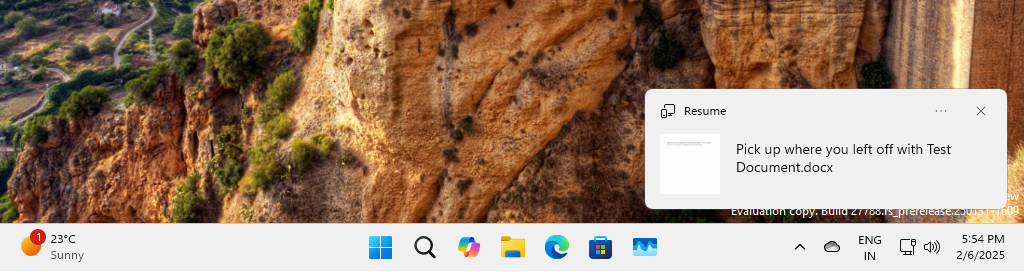
If you open a supported file (synced to OneDrive) on your Android phone and unlock your PC, you’ll see a notification to resume working on the document. When you click the alert, Windows sends you to OneDrive web, and the document is automatically opened. The feature is a hit or miss, but when it works, it’s neat.
Here’s a demo from our test PC (slow performance because it’s a virtual machine):
Is Windows 11 Resume a ‘privacy’ concern?
Technically, Resume is not a privacy concern. If you’re using Android, and an app for Windows 11 supports Resume, that app registers “resume” alert based on an activity on the phone, such as a video, document, chat thread, etc. Finally, app calls developer’s server to “Create a resume prompt on this user’s Windows PC.”
The app’s server sends a special WNS raw notification to Windows, and Windows can treat it as a “continue on PC” signal.
Windows does not share your data with developers, and only select apps that you choose to install will support Resume.
The post Windows 11’s iPhone-to-Mac-style Handoff for Android could support more apps and finally become useful appeared first on Windows Latest