
In a statement to Windows Latest, Microsoft confirmed that it retired the traditional Windows “telephone-based” activation method, which truly worked offline. With a telephone-based approach, you could call Microsoft’s activation phone number, and the automated process would activate your Windows or Office license. Now, this method has been retired.
I’m told the company retired the Windows or Office phone-based activation method as part of the efforts to modernize the ‘activation experience.’ If you want to activate Windows 11 or Office today, the easiest way is to link your license to a Microsoft account, which will automatically verify the product.
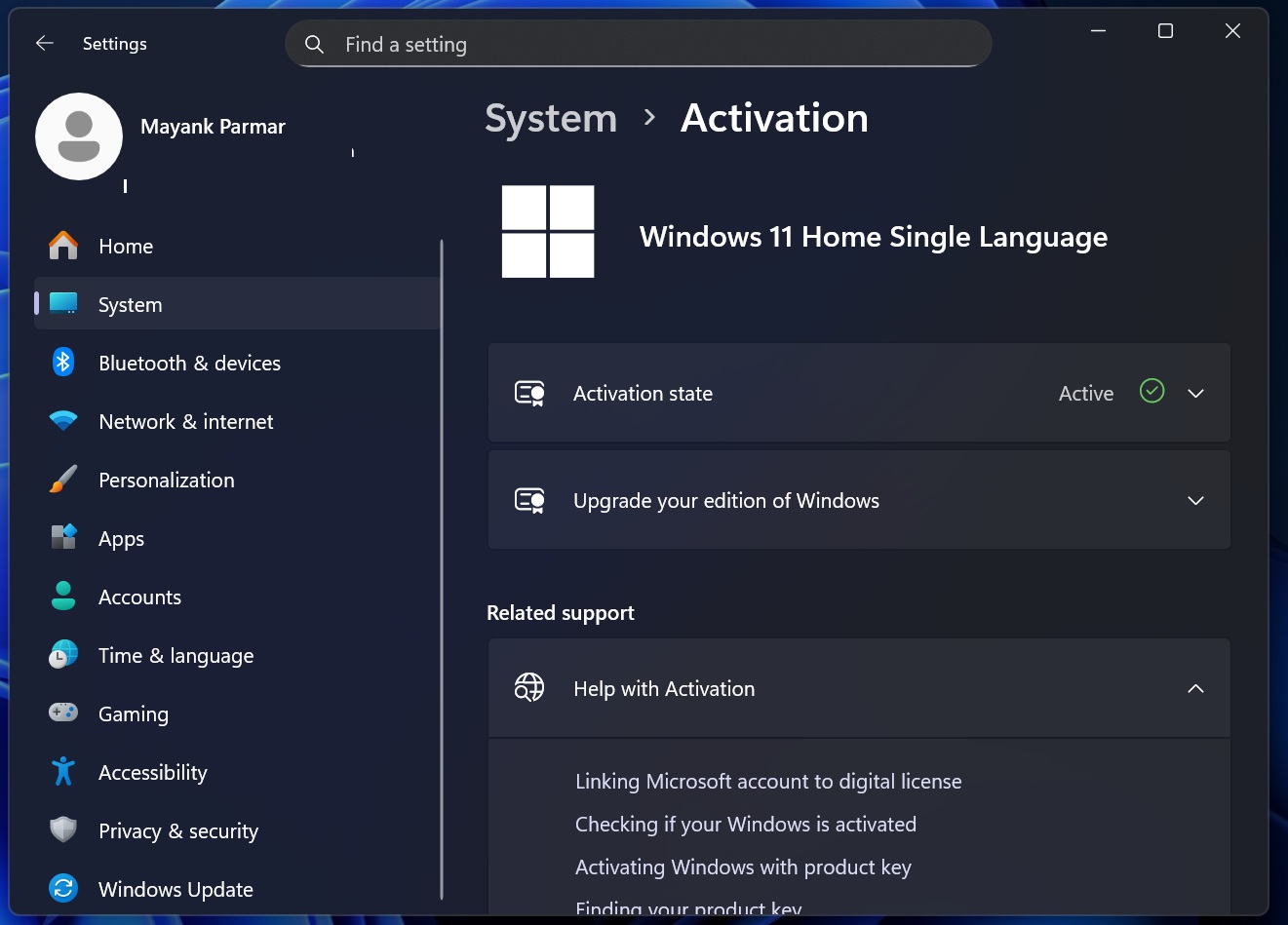
You can find out how your Windows is activated from Settings > System > Activation, and then tap on ‘Activation state.’ In my case and in most cases, it’s activated using a digital license linked to a Microsoft account.”
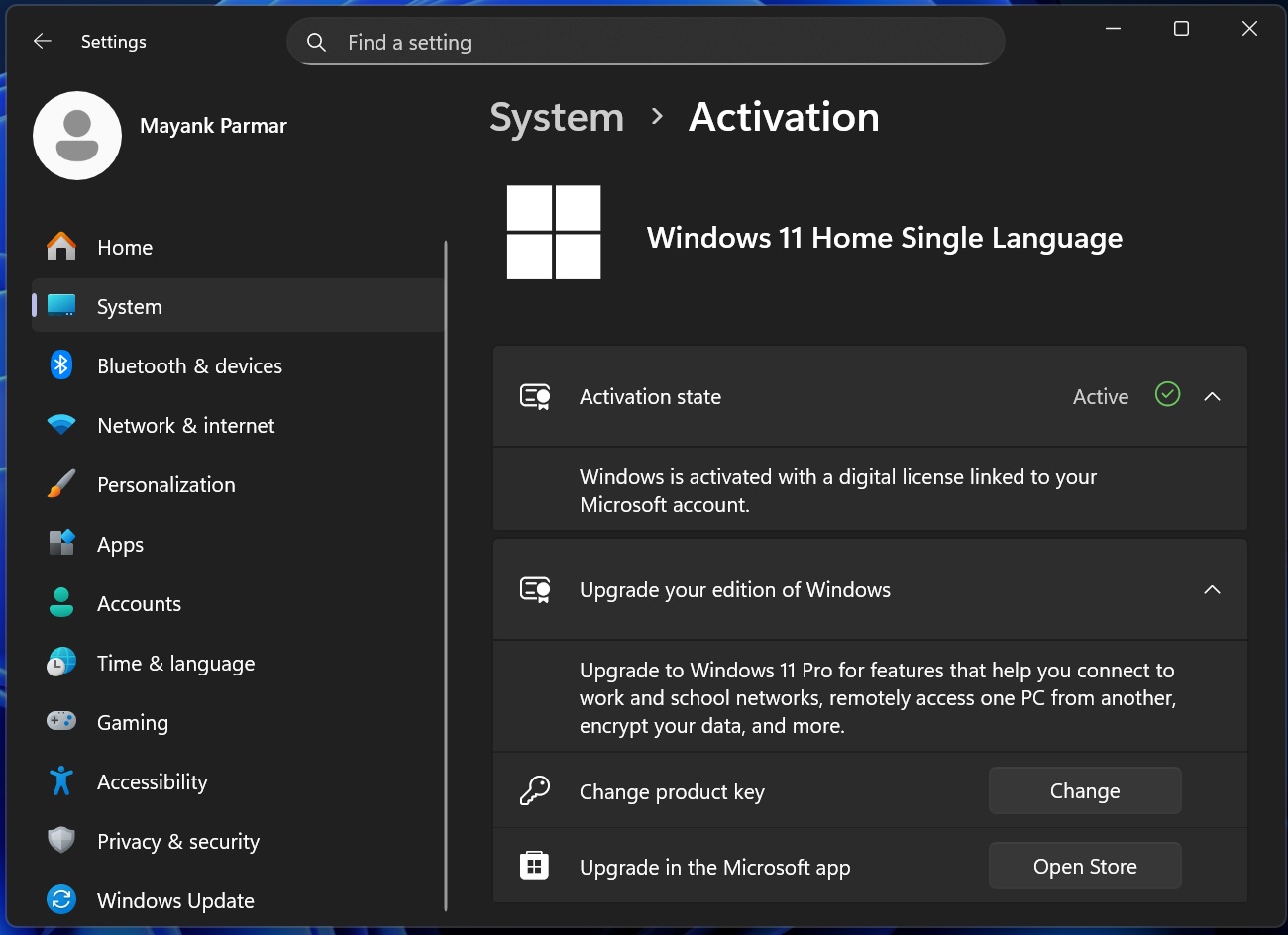
Phone-based activation no longer works
Microsoft retired the phone-based activation method for Windows and Office products on December 3, 2025. When you call one of the listed telephone numbers for offline activation, you will be asked to use a Microsoft account instead. But that does not mean MSA is the only way to activate Windows.
For perpetual licenses, Microsoft tells me that advanced customers can use the Product Activation Portal.
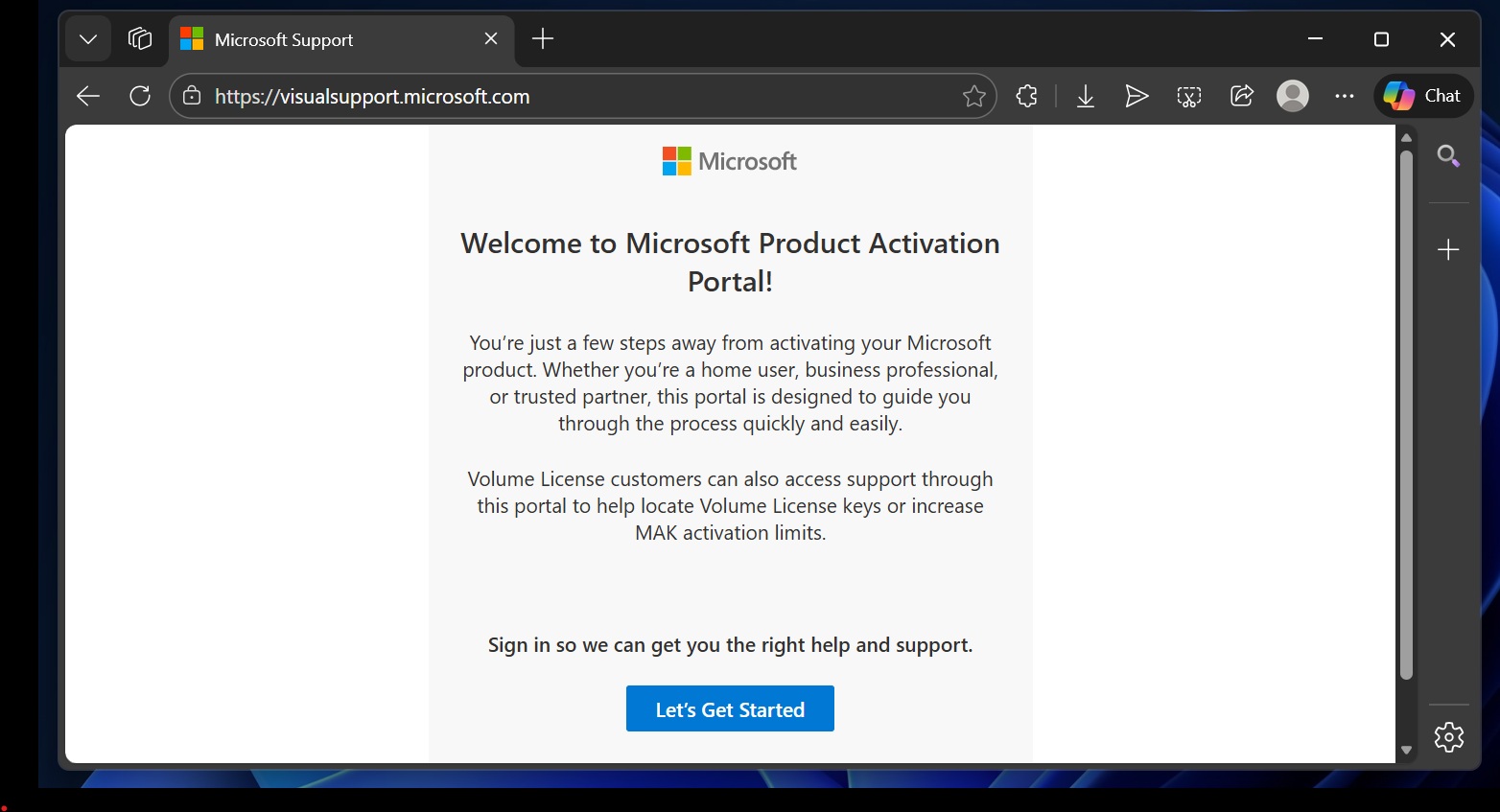
Unlike phone-based activation, which did not require an internet connection at any point of the process, this new online Product Activation Portal wants you to log into a portal, which is “secure, reliable, and user-friendly,” according to Microsoft. Once you’re logged in and have entered the details, you can still activate Windows offline.
“Customers who rely on traditional offline activation can continue using it without changes to their environment,” Microsoft argues. The company says the process has changed, and phone call-based activation is no longer supported, but that does not mean you cannot activate Windows offline.
“While the process has been updated, offline activation capabilities remain supported,” the company said.
What do you need to activate Windows using the new Product Activation Portal flow, after “activate by telephone” has been retired?
First, you need to reach the “Activate by Telephone” screen inside Windows (or the product you’re activating). You’ll be shown activation information and a phone number, but instead of calling, you can note down the info from that screen and use it in the Product Activation Portal.
However, unlike phone-based activation, the Product Activation Portal requires a browser and internet connection, but the target PC can be offline. Now, the portal cannot be used unless you’ve a Microsoft account.
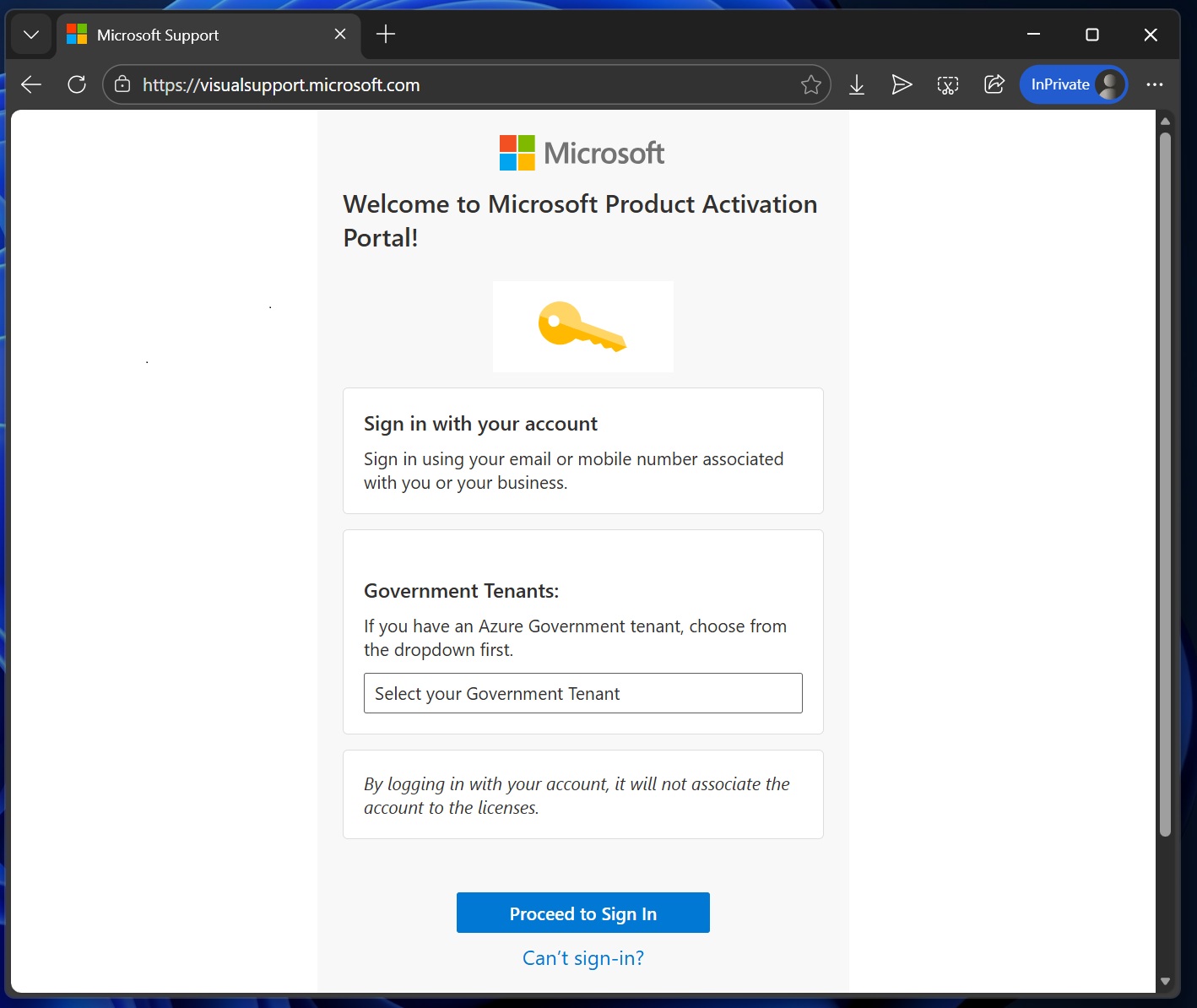
The portal specifically supports a Personal Microsoft account (MSA), a work or school account, a Microsoft Entra ID account, or an Azure Government tenant account.
Did Microsoft retire “activate by telephone” to push MSA?
Some of you might argue that Microsoft retired phone-based activation because it allowed customers to avoid creating a Microsoft account. While it’s possible, I’m going to play devil’s advocate here.
I believe Microsoft retired the telephone-based approach due to low usage. Moreover, Product Activation Portal is a better option because it covers all products, not just Windows and Office, which were the two supported products of phone-based activation.
The post Microsoft confirms it’s killing offline phone-based activation method for Windows 11 after 20+ years appeared first on Windows Latest