
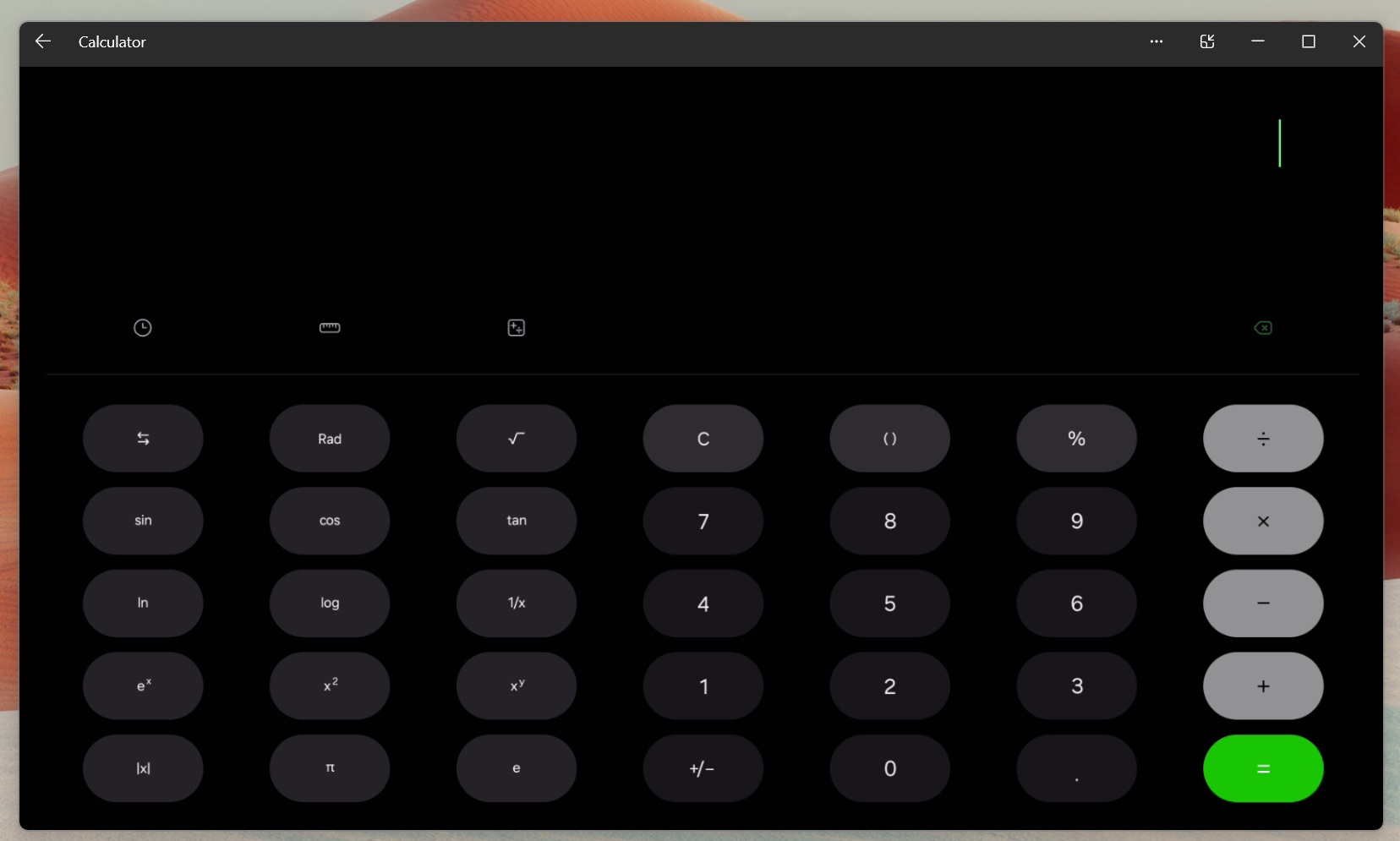
You can now use up to 90% of the desktop screen space when streaming Android apps to Windows 11 using the Microsoft Phone Link app. This feature is called “Expanded screen,” and it’s now available for everyone. If you still don’t see it, head to the Microsoft Store and check for updates. Still not there? It could be rolling out for your account.
Windows 11’s Phone Link app has long offered Android apps streaming if you owned one of the supported hardware. But up until now, you could only mirror apps in a compact view (limited screen space). This changes with the new “expanded screen,” which allows Android apps to expand across your desktop.
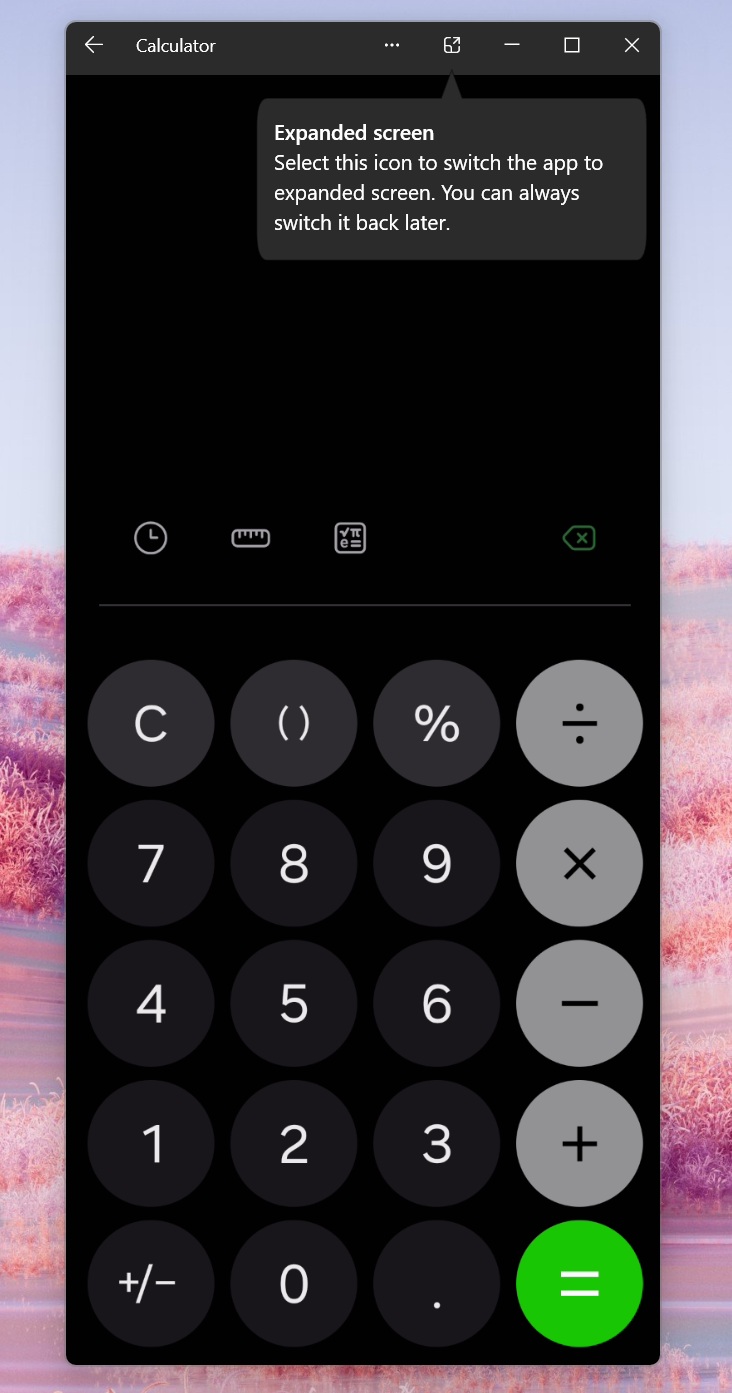
As you can see in the above screenshot, when you try to open Android apps on your PC using Microsoft Phone Link, you’ll see a nudge that says apps can be viewed in Expanded screen. This feature was previously tested with Windows Insiders, and it’s now available for everyone.
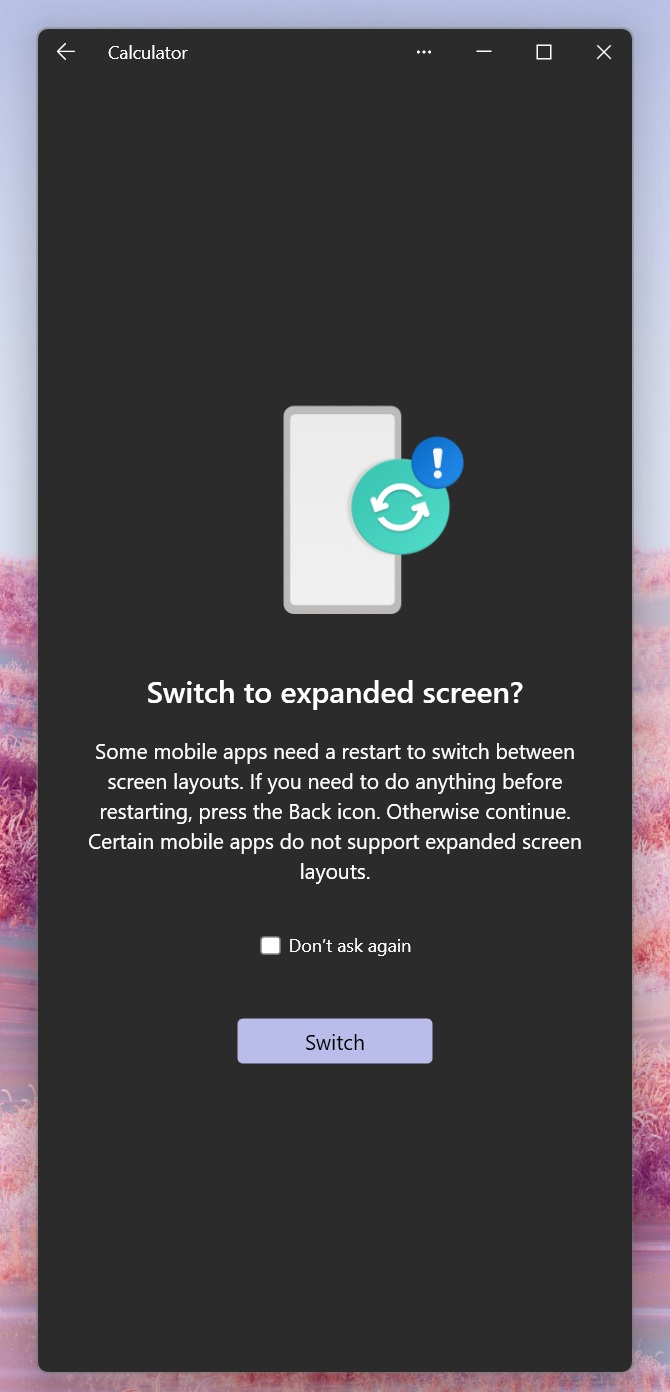
“Expanded screen” isn’t a new Windows UI for the app. When you use the feature, Phone Link tells your phone to relaunch the same Android app in a wider layout, then streams that bigger layout to your PC.
Microsoft warns that some apps need a restart to switch layouts, and some apps don’t support expanded layouts at all. That’s exactly what happens on Android when an app has to reload for a new screen configuration.
It’s kind of using “tablet-style” behavior, but in reality, it looks like Microsoft is calling Android to render large-screen layouts when it’s streaming Apps to the desktop. When Android signals that the app supports wider layouts, Phone Link creates a bigger “canvas” for the phone app to run in, then mirrors that view back to Windows.
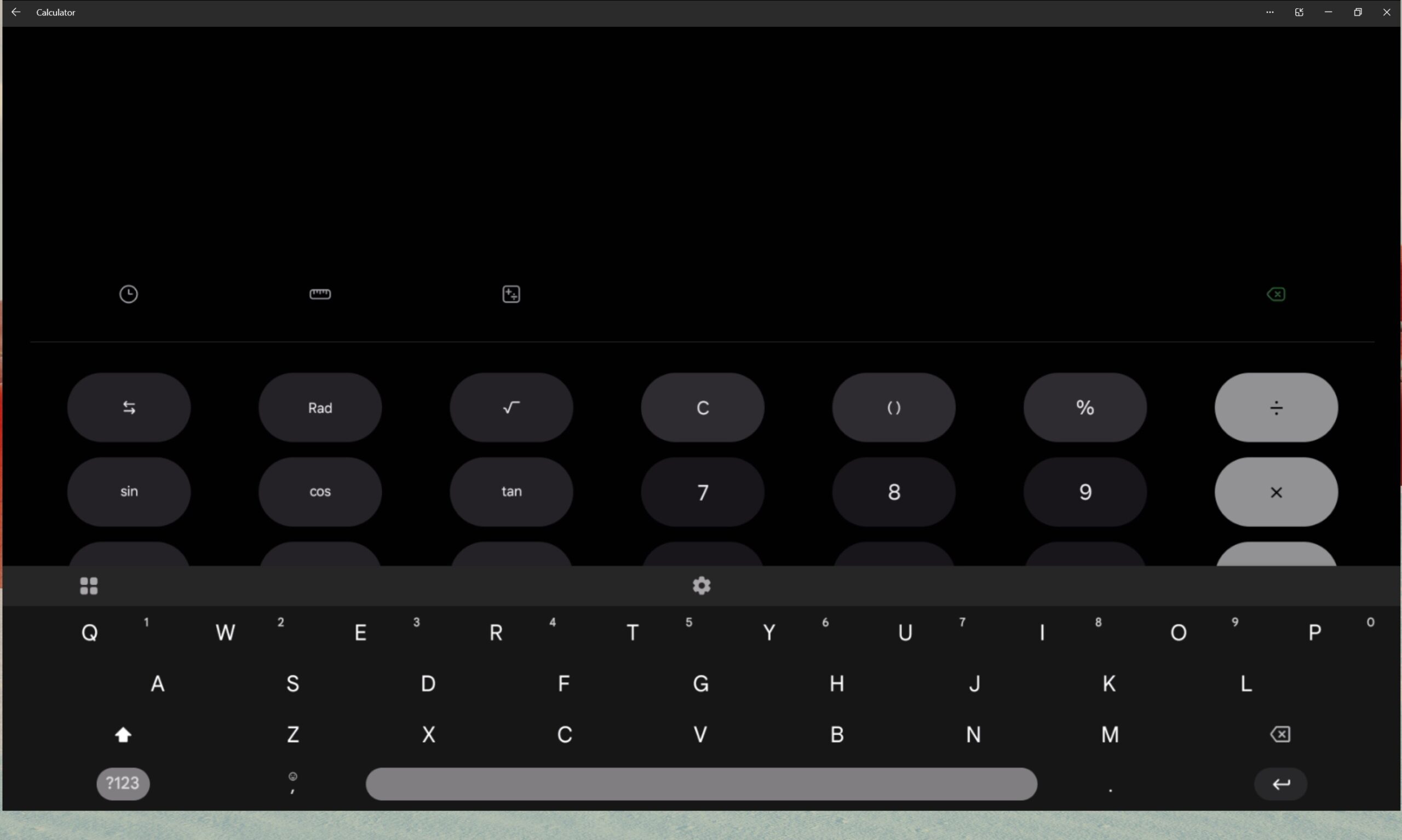
I call it “almost-full-screen” because it leaves up to 10% of the desktop screen space unused for some reason, but I wouldn’t be surprised if Microsoft figures out a trick for that as well, especially since Android is open-source.
Moreover, it doesn’t work well with some Android apps, such as WhatsApp, which is a blurry mess when streamed in full-screen:
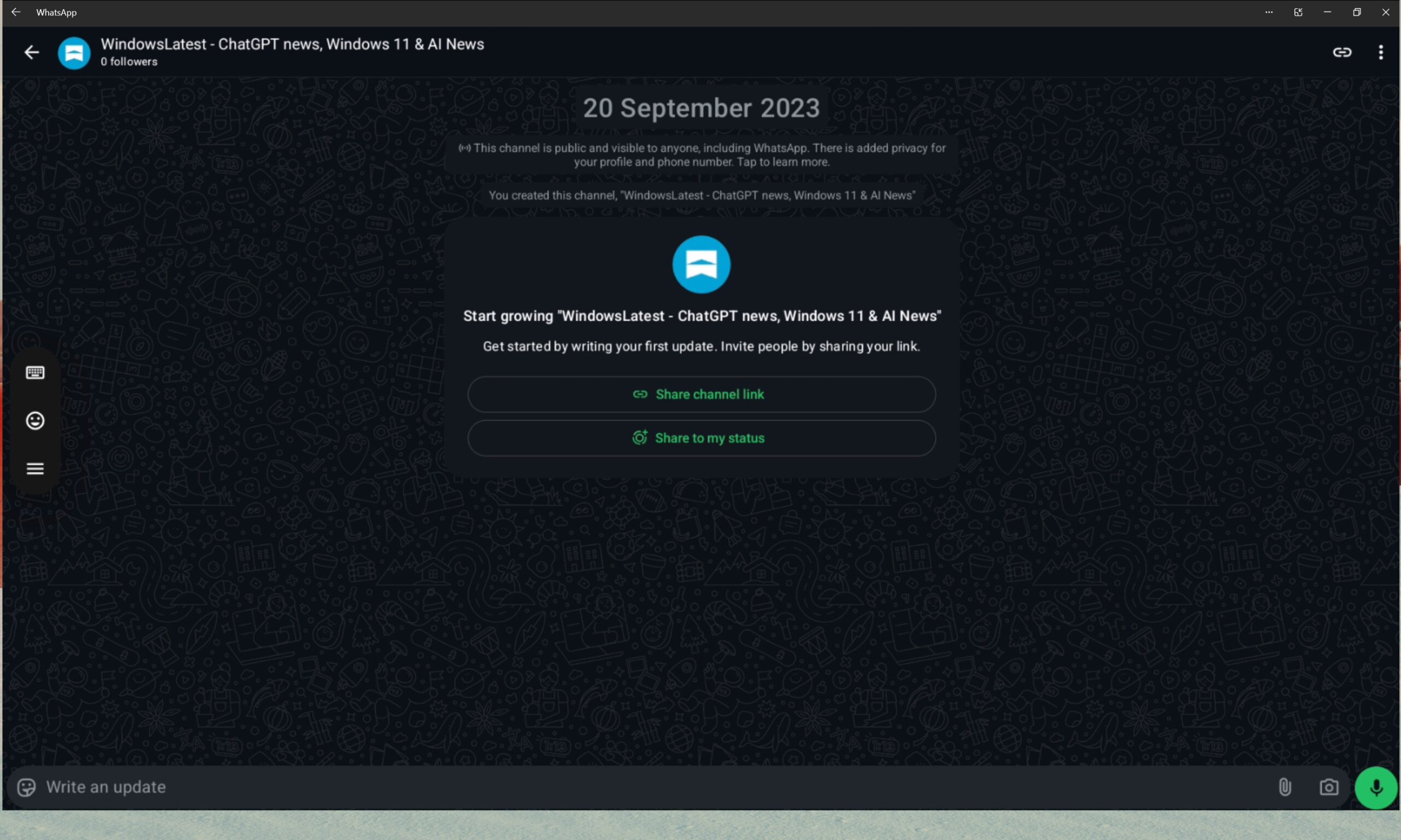
I don’t have the “Apps” screen in the Phone Link app for streaming Android apps to Windows 11
If you don’t see the “Apps” section in the Phone Link app, it’s likely because you don’t own one of the supported phones.
Phone Link’s Apps feature is available on select phones from Samsung, HONOR, OPPO, ASUS, vivo, and Xiaomi that come with Link to Windows pre-installed.
In a support document, Microsoft lists a few recent examples, including Galaxy Fold, Note20 5G/Ultra, S22, S23, S24+, plus devices like HONOR Magic4 Pro and Magic6 series, OnePlus series, OPPO Find and Reno series, Realme series, and some Xiaomi phones.
If your phone is running Android 11 or newer, you may also qualify for the multiple apps experience.
In addition to full-screen Android apps streaming, Microsoft recently rolled out the ability to lock PC from your Android phones, and more.
The post Windows 11’s “almost full-screen” Android apps mirroring now available for everyone via Phone Link app with supported phones appeared first on Windows Latest