
If you thought Copilot and Microsoft 365 Copilot were more than enough on Windows 11, you were obviously wrong. At this point, it’s quite apparent that Microsoft wants Windows to become the home of ‘agentic’ experiences, and it quietly teased the future on X, while the tech community is busy with CES 2026.
“Windows is leveling up agentic development,” Microsoft wrote in a post on X, and added that Windows 11 includes native support for MCP, which refers to Model Context Protocol, an open-source protocol that allows generative AI to access external tools or data.
At the same time, Microsoft also says that “next-gen agent experiences [are now] built right into Windows. Microsoft is referring to the “Experiential agentic experiences” toggle, which was recently added to Windows 11 preview builds. It allows Windows to let AI agents always run in the background.
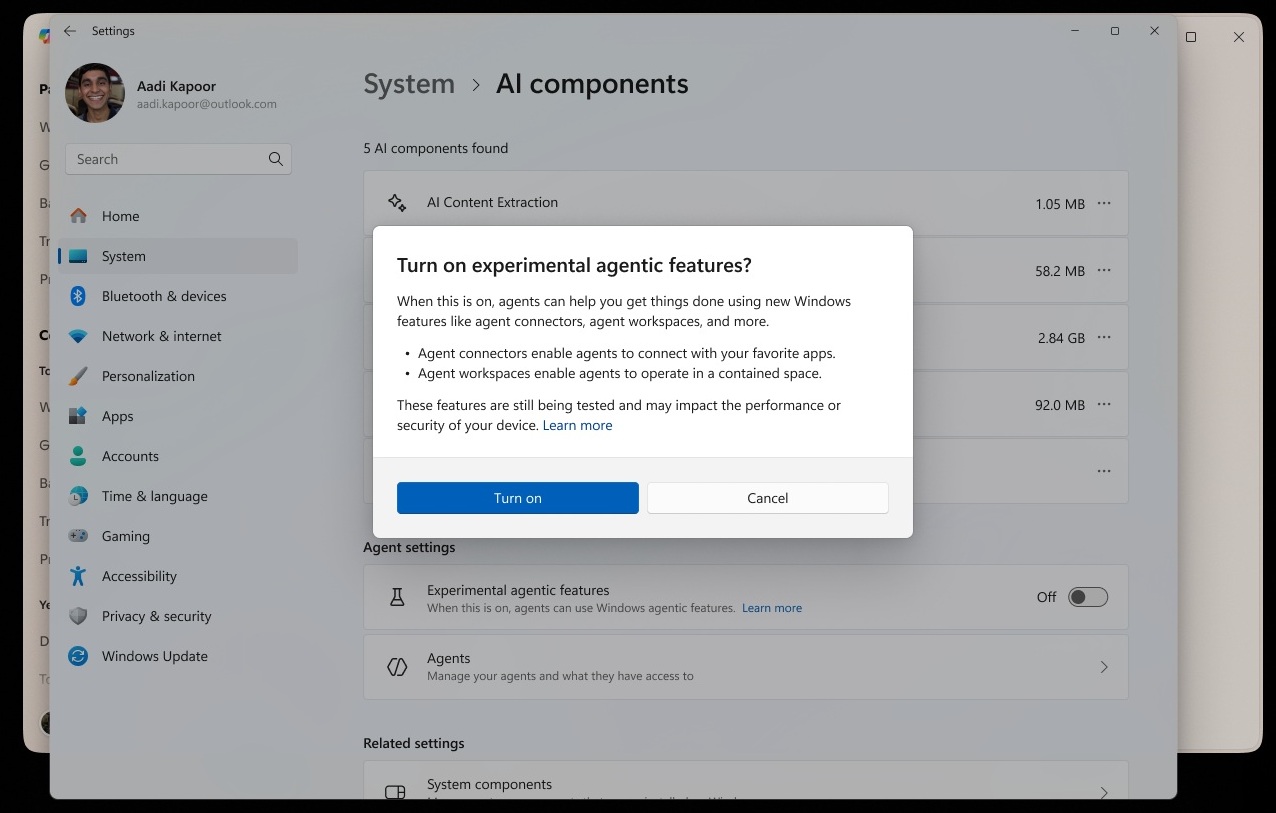
“Native support for MCP + the new agent workspace unlocks secure, auditable, next-gen agent experiences built right into Windows,” Microsoft wrote on X. The company added that now is the time to “build agents that connect, automate, and act with confidence” on Windows 11.
This appears to be a part of a larger campaign, which is low-key for now, to encourage developers to turn Windows 11 into an agentic OS.
Microsoft is aware of the fact that it alone can’t make Windows 11 agentic. As Steve Ballmer famously said, “developers, developers, and developers….” and this still stands true.
Windows 11 needs third-party apps with unique agentic experiences to change the perception among consumers.
AI in Windows 11 is NOT useful. Microsoft really needs to do better
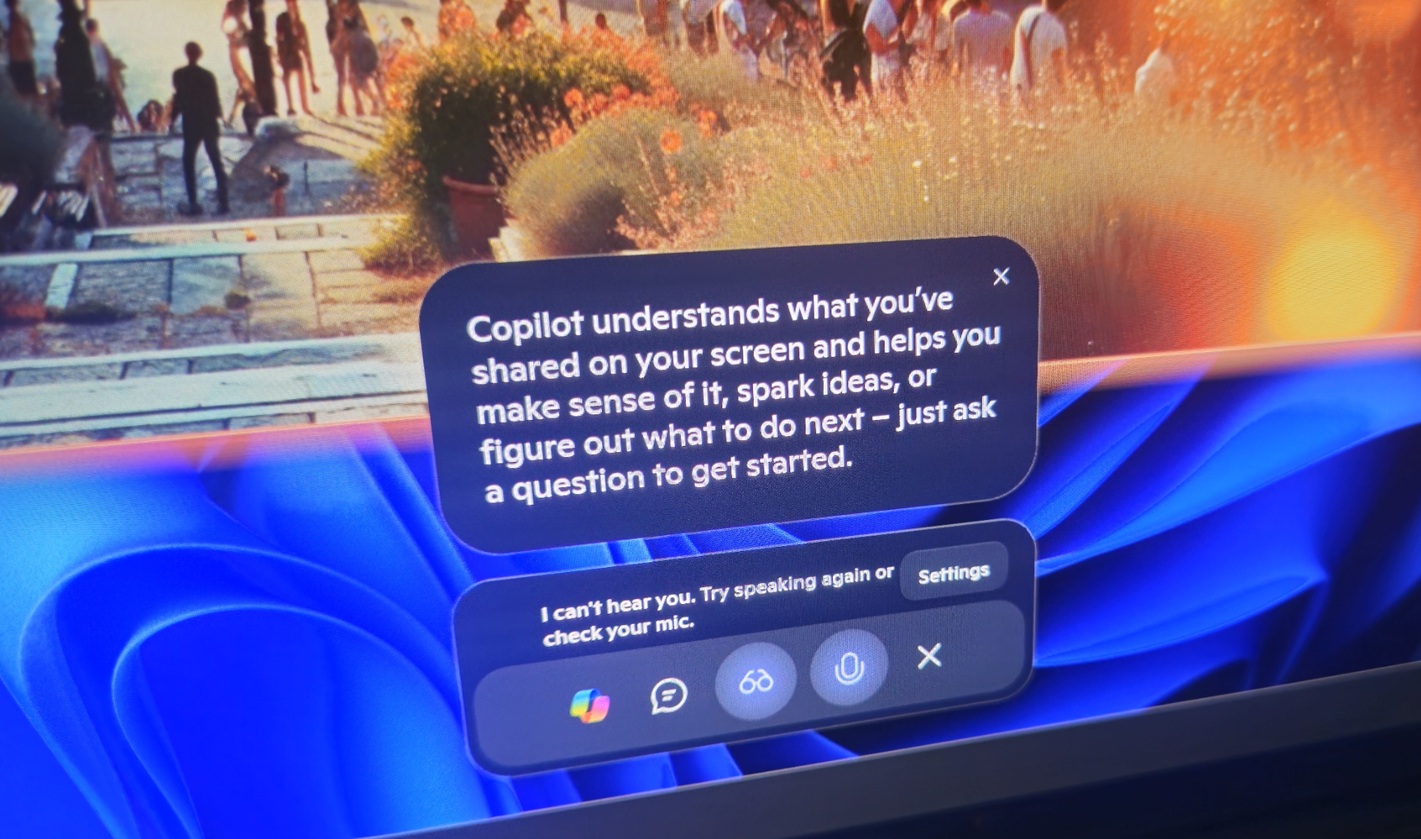
Dear Microsoft, if you’ve decided that stuffing Windows 11 with AI is the way to impress shareholders, we consumers and IT admins can’t do much about it. However, the least you could do is give us a single toggle to turn off all the AI features, let us control which AI tools we actually want, and, if anything, focus on adding genuinely useful AI features instead.
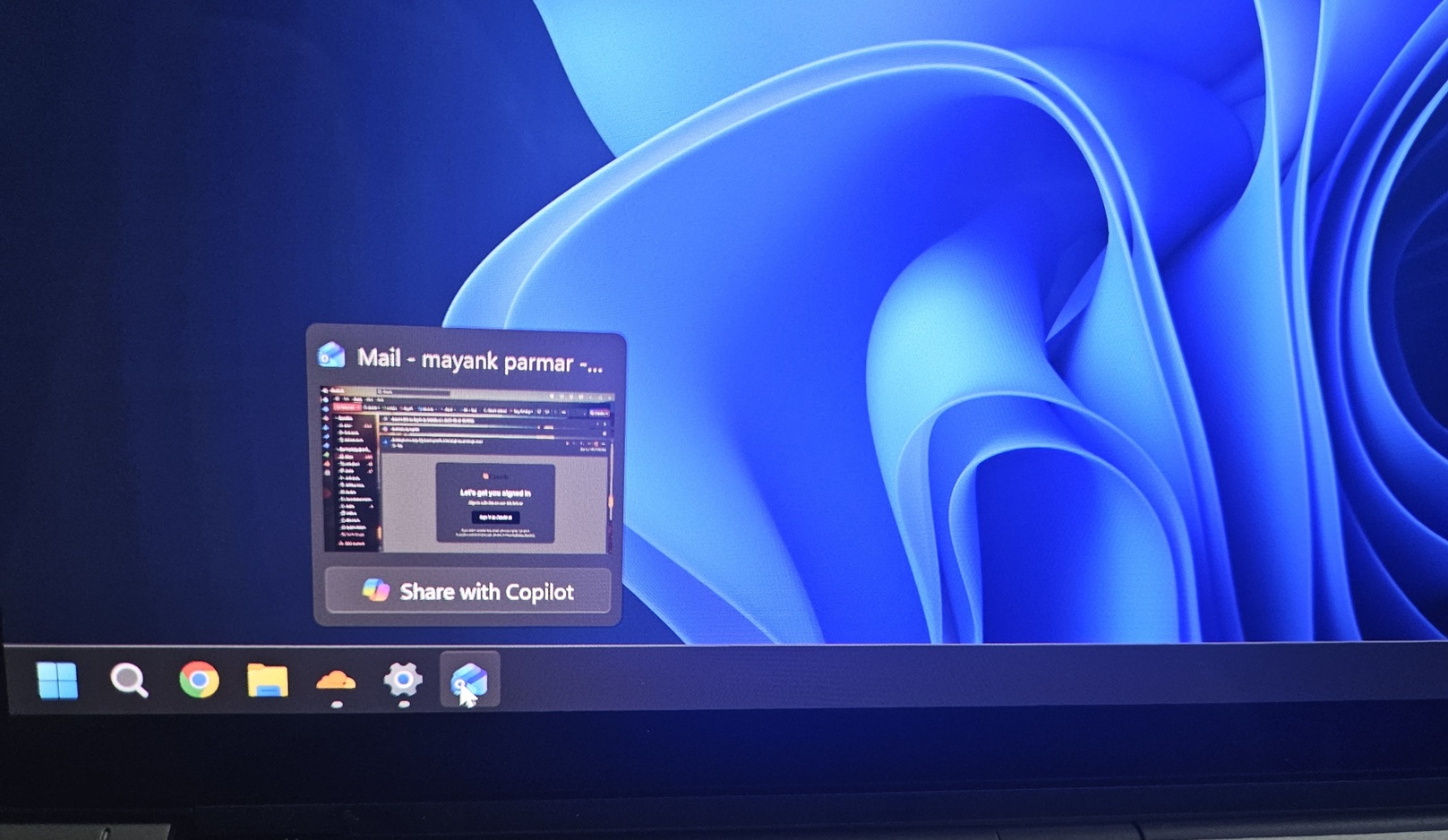
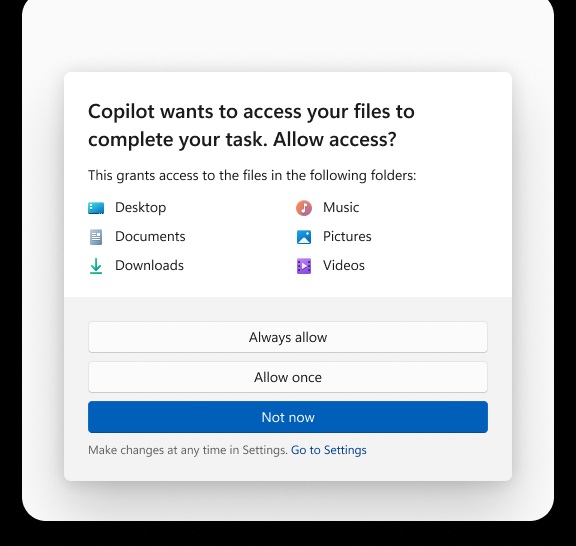
I own a Copilot+ PC, and I don’t find myself using Windows Recall (which records your screen, so you can go back in time), Copilot Vision on the taskbar (offers help when using any Windows app), and new agentic features, such as Actions in Copilot that allow Windows to access local files or folders.
I am not saying it because I am an anti-AI person. I am a developer, and I mostly work on Flutter/Dart, and I use Claude Code all the time.
Claude Code is decent, gets the job done, and it’s not an issue as long as I understand what it’s doing. Now, to use products like Claude Code, do I need MCP, Copilot with Vision or Action, and these experiential agentic experiences on Windows 11? No. Windows Terminal is just more than enough.
It’s not just Windows. Copilot in Office apps, such as PowerPoint, is not even close to the rivals, including startups that started less than a year ago. You can’t use Copilot in PowerPoint to make attractive slides.
In fact, in my tests, Copilot in PowerPoint has struggled to do basic “modern” design work. I’d rather do it myself because it’s frustrating to wait while Copilot generates a response, and that too with a basic template and inaccurate content.
Microsoft needs to figure out how it can make Windows more useful with AI, and if it can’t, it probably should stop stuffing the OS with AI.
The post Microsoft is encouraging developers to build next-gen AI agents for Windows 11, as Copilot alone isn’t enough appeared first on Windows Latest