
Microsoft is now showing a new alert in the Start menu titled “Action advised – back up your PC,” and the alert is yellow-themed, which makes it quite obvious that Windows 11 needs your attention. The warning states that you should back up all your files or app data to ensure you never lose access, and there’s a backup option.
It’s not the first time Microsoft has prompted users to try OneDrive, but each attempt is somehow worse than the previous one.
“We want to ensure that you always have access to your files, apps, settings, and passwords by backing them up in the cloud,” the warning reads in the Start menu, and then it alerts you to start backing up your PC using OneDrive.
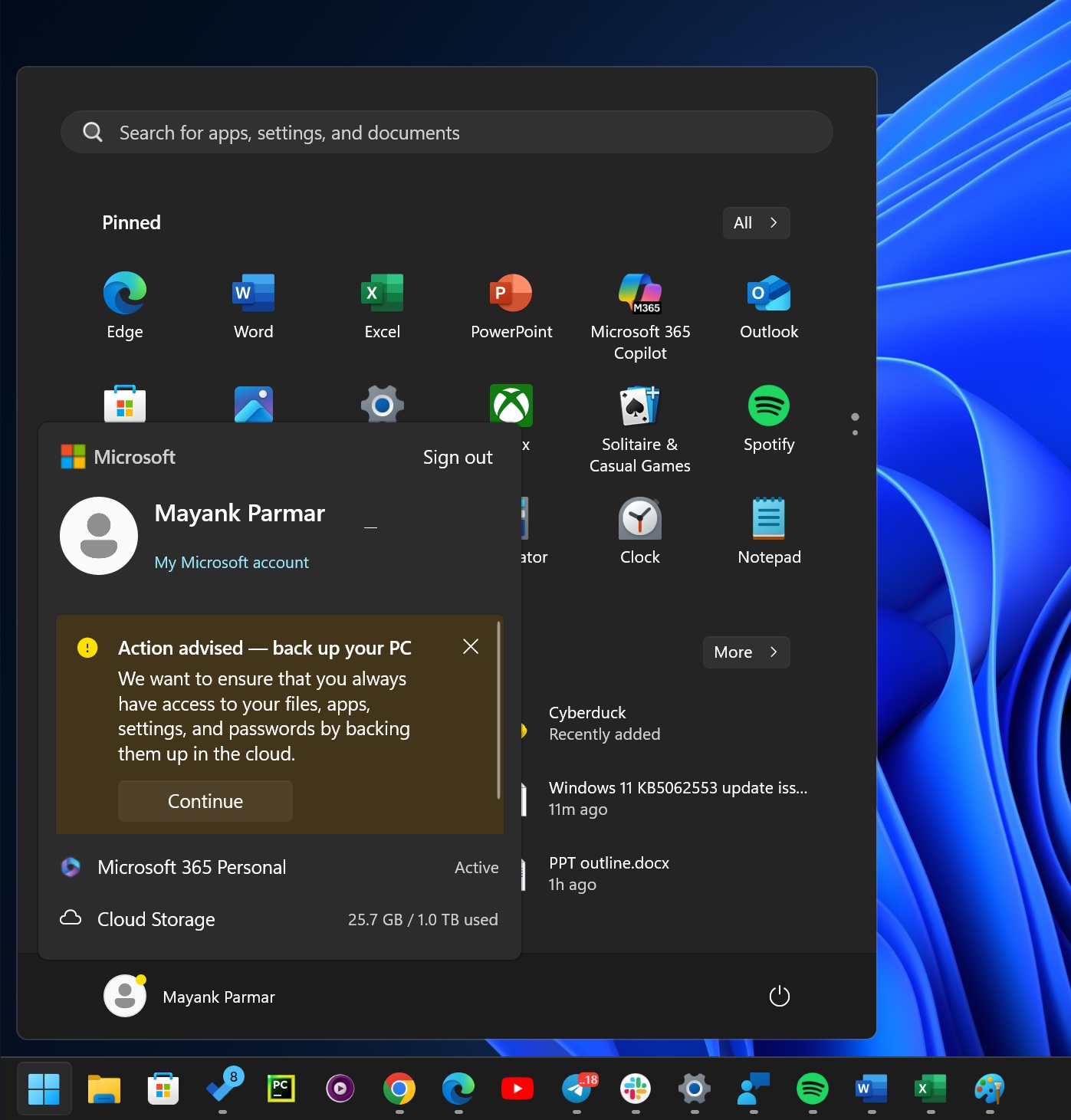
If you click on ‘Continue,’ it opens the OneDrive-based Windows Backup app, but you might have other options in the EU. I do not see options for third-party clients, at least not when I am in the United States, or the device is set to use the United States as the default region.
You cannot turn off these alerts, as they’ll continue to show up across Windows 11, but you can dismiss them for now.
Not the only “nagging” on Windows 11
As I mentioned at the outset, Windows 11 ads for OneDrive or other services are not just limited to this specific example. For example, after I installed the Bing Wallpaper app from the Microsoft Store, after Microsoft.com nagged me to give it a try, I noticed that the Bing Wallpaper app consistently warned
If you use apps like Bing Wallpaper, you could be nagged to switch all browser settings to Bing, including the New Tab Page background. For example, the Bing Wallpaper app prompted me to adjust a few browser settings so that Bing gets more use.
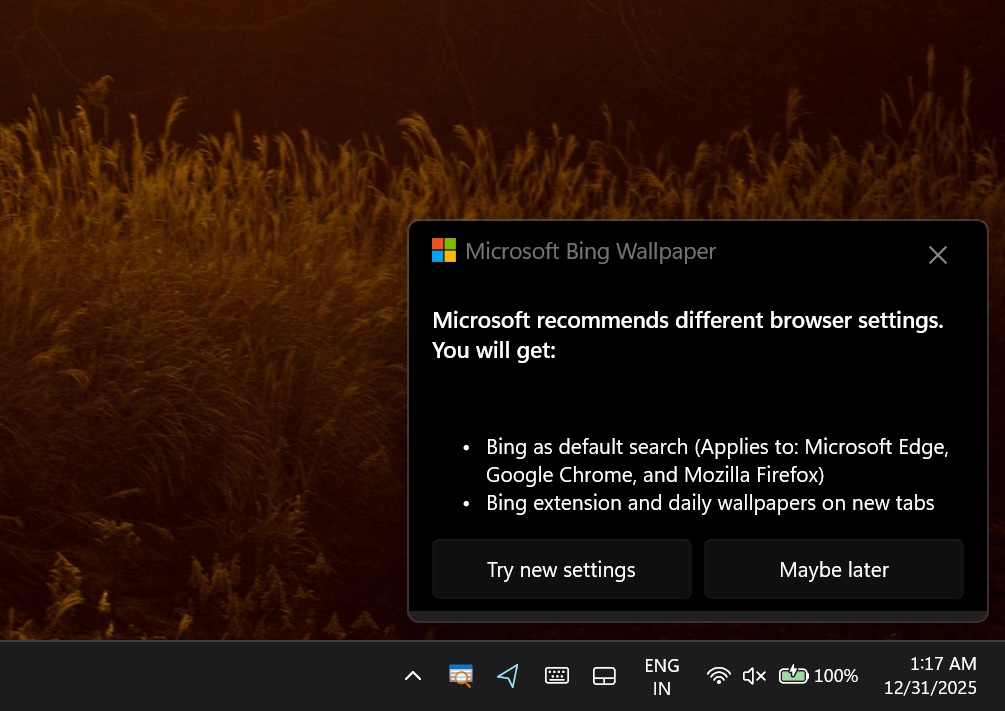
If you click “Try new settings”, it will likely guide you through changing your default search engine to Bing in your installed browsers (Edge, Chrome, or Firefox). That means when you type something in the address bar, it will search with Bing instead of Google or something else.
It also wants to add a Bing extension, so your new tab page shows Bing features plus the daily wallpaper experience (and it can also help keep Bing set as the default).
If you hit “Maybe later” or close it, nothing changes right now.
Of course, as I recommended in my previous story, it’s about time we stop using apps like Bing Wallpaper and use built-in options like Windows Spotlight.
What do you think about Microsoft’s upsells in Windows 11? Let me know in the comments below.
The post Windows 11 Start menu nags you to use OneDrive for backup to ensure you always have access to files, apps appeared first on Windows Latest