
Windows 11 KB5072033 is December 2025’s Patch Tuesday, and it’s also the last update of the year. Our tests show that the December 2025 Update is stable than previous releases, but there are always edge cases, as some users report errors during the installation. We’re also seeing reports of a WSL problem and white flashes in File Explorer.
White flashes in File Explorer are not fully fixed in the December update
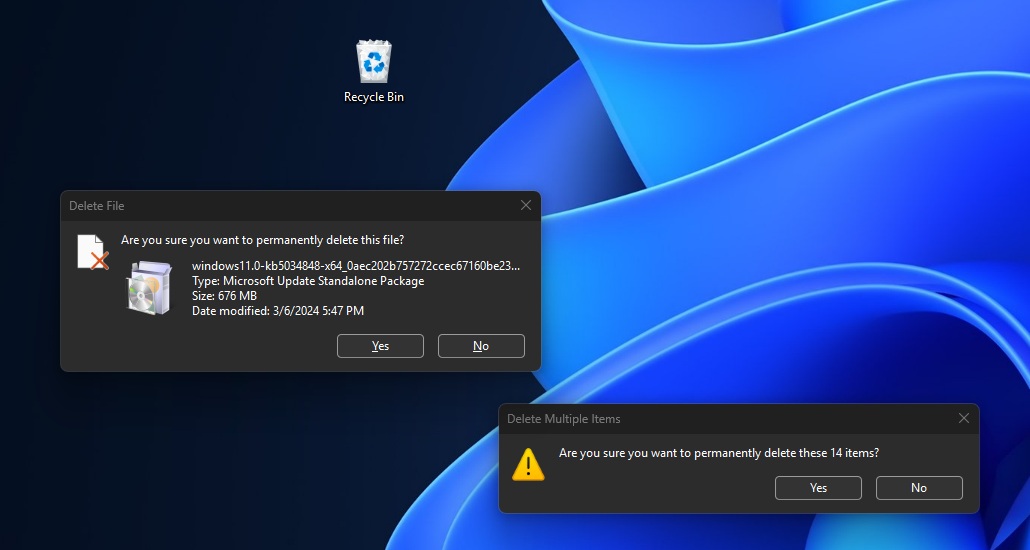
When Microsoft rolled out dark mode for dialogs like “Delete confirmation” with the November 2025 optional update, some of us noticed that File Explorer causes white flashes, especially when you try to open Gallery, Home page, and even when you switch between tabs. Worse, it also affected the “Details” Panel.
With Windows 11 KB5072033, Microsoft confirmed that it patched an issue that causes white flashes. I can confirm I no longer see white flashes when I open the Home or Gallery tab, or when File Explorer is already running in the background and I maximize it. But if you open a new tab, you’ll still notice a white flash.
To verify this issue, you need to open a new tab with the Ctrl+T shortcut or just tap on the ‘+’ icon in File Explorer. The entire File Explorer window briefly re-renders or “flashes,” specifically the moment the new tab is displayed. In our tests, Windows Latest observed that the behavior is consistent across reboots.
Microsoft says KB5072033 breaks VPN in Windows Subsystem for Linux (WSL)
All recent Windows updates released after October 28 cause issues with Windows Subsystem for Linux (WSL), including Windows 10 KB5072033.
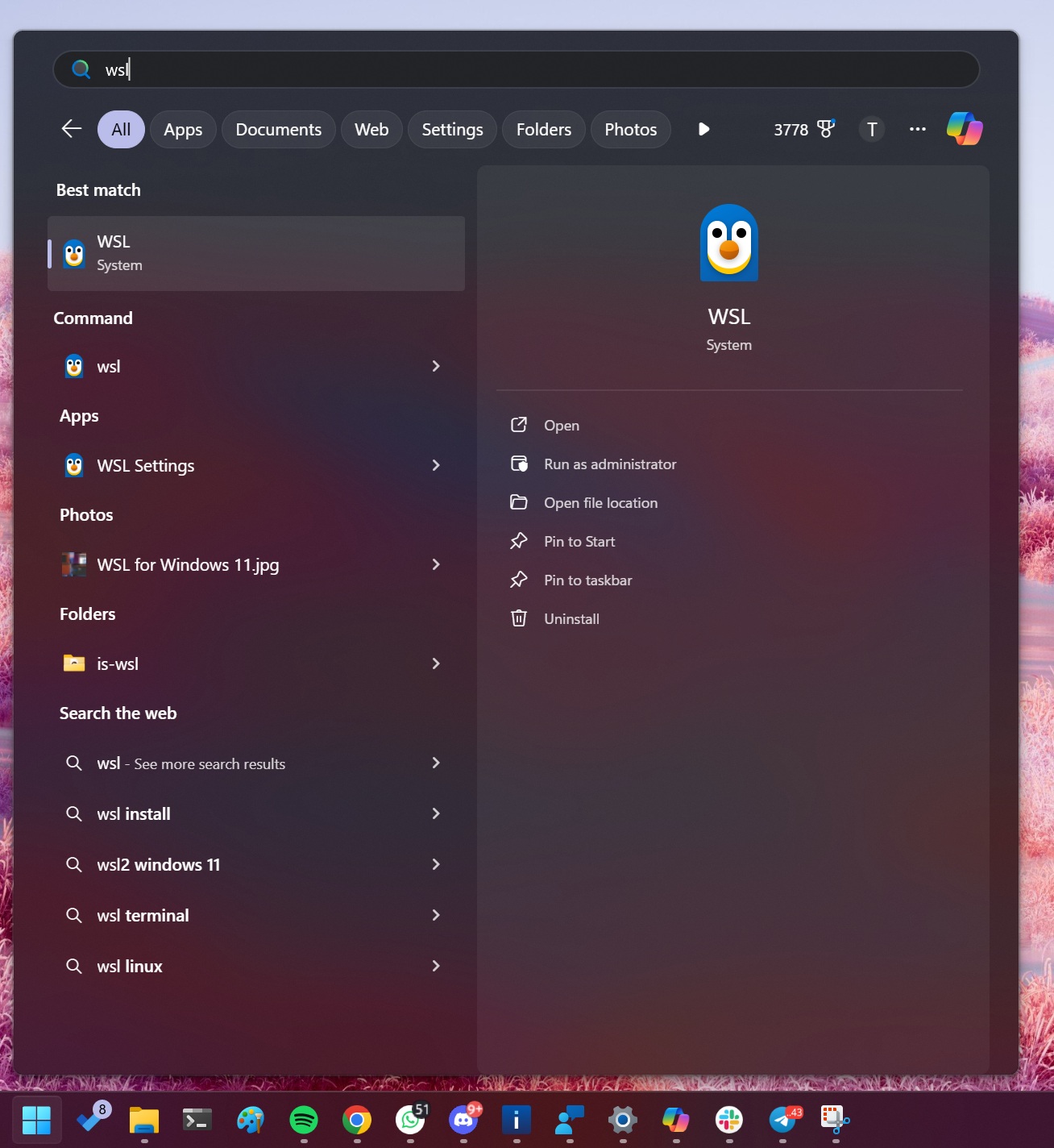
In a support document spotted by Windows Latest, Microsoft confirmed a bug that breaks networking for WSL in a specific setup called mirrored networking mode when you’re also using some third-party VPN apps.
As you might know, WSL is your Linux inside Windows, and it works on your Windows network unless you enable “mirrored networking,” where WSL tries to behave more like it’s sharing the Windows network setup directly. After this update, if you connect to a VPN, WSL might suddenly fail to reach the VPN.
WSL shows the error “No route to host,” and you won’t be able to connect to services like GitHub when connected to a VPN.
“This issue happens because the VPN application’s virtual interface doesn’t respond to ARP (Address Resolution Protocol) requests. Reports indicate that Cisco Secure Client (formerly Cisco AnyConnect) and OpenVPN are affected,” Microsoft explained.
Microsoft says consumers with Windows Home or Pro editions are unlikely to run into WSL connection issues, but there’s nothing you can do if you are affected.
Microsoft is investigating the problem, and the fix won’t arrive until at least January 13, 2026, when the company is supposed to release the Patch Tuesday update.
The post Windows 11 KB5072033 issues: Microsoft confirms a bug affecting WSL and more appeared first on Windows Latest