
Microsoft’s AI CEO, Mustafa Suleyman, recently posted on X, saying he finds it funny when people call today’s AI “underwhelming”. Reminiscing on growing up playing Snake on a Nokia phone, Suleyman insisted that fluent conversations with “super smart AI” should be mindblowing.
But judging by the replies under his post, people aren’t laughing with him. They’re frustrated. The top comments were about how aggressively Microsoft keeps injecting AI into every corner of Windows 11. People like AI when it solves their problems, not when it becomes the problem.
And that’s exactly where Microsoft is losing the plot. AI on Windows isn’t underwhelming because the models aren’t powerful enough. It’s because Copilot keeps showing up where it doesn’t belong. And Microsoft keeps treating the OS as a promotional vehicle for Copilot.
All the AI Microsoft has crammed into Windows 11 so far
For all the frustration around Microsoft forcing AI into the OS, Windows 11 does ship with a growing list of AI features. Copilot, as expected, is the centrepiece of it all. It is similar to ChatGPT as it uses the exact same models. In fact, Microsoft started rolling out GPT 5.1 to Copilot.
Copilot Voice and Copilot Vision are the basics
Microsoft has been working long on Copilot Voice and Copilot Vision, both of which I have used several times, with a higher-than-expected success rate. Copilot Voice, which is basically being able to invoke the AI with “Hey Copilot”, works better and sometimes even faster than calling Gemini on my phone.

I mostly use Copilot Voice to ask for trivial stuff, like the time in London, or currency conversions. A few seconds after I stop talking, it turns off automatically, and that’s what keeps me coming back to “Hey Copilot”. It is non-intrusive, which can’t be said about some of the stuff you’ll see later.
Also, Microsoft is rolling out the “Bye” command, which you can say to Copilot Voice to turn it off immediately.
I like the idea of Copilot Vision, where it can look at whatever is open on my screen and give contextual guidance. I have used it several times while working with some new software. But the issue with Copilot Vision is that it is too slow, to the point that it takes less time for me to ask the regular Copilot. Also, Copilot Vision may make errors in guiding you about UI elements.
If both these were like assistants, Microsoft’s major push is on “Windows evolving into an agentic OS”, and Copilot Actions were what started it.
But it began in the Microsoft Edge browser as Copilot Actions on Web, which allowed users to interact directly with websites by letting Copilot click buttons, fill out forms, and complete tasks such as bookings, purchases, or reservations on their behalf.
However, Microsoft Edge is now marketed as an AI browser, with the company’s AI CEO going as far as to call it “the first AI browser in the enterprise.”
Its agent mode performs multi-step workflows on approved sites. Copilot in Edge can look at your calendar, tasks, and browsing graph to summarise what matters for the day, and multi-tab analysis or multi-tab reasoning lets Copilot read up to dozens of open tabs and give you a single comparison or summary. You’ll need to enable the Copilot Mode in Edge.
YouTube summarization and video translation are in the list of useful AI features in Edge, as I have used them multiple times for research and works well.
But I still keep coming back to the natural way of using a browser, and I guess that’s how most people feel, which is why these features feel intrusive to everyone.
Coming back to a company trying to change years of behavioral instinct, Microsoft introduced the Ask Copilot experience in the taskbar, potentially replacing the Windows Search. Microsoft wants the taskbar to be an AI hub, with Copilot Actions that call AI agents to do tasks on your PC on your behalf.
As things stand, Microsoft’s magnum opus for AI has to be the “Experimental Agentic Features” in Windows 11, which is a toggle that unlocks Agent Workspace, agent accounts, local tool access, and the entire foundation for agentic computing. However, Microsoft confirmed that Agentic features hallucinate and are unsafe, but they are going full throttle with it.
Ask Copilot is also where Microsoft is placing more of these agents over time, including first-party ones like Researcher, and the company says more first-party and third-party agents will appear here over time.
Microsoft has also been testing a File Explorer integration that lets AI apps like Claude and Manus access your local files through standard prompts. Once you allow it, these apps can summarize documents, draft presentations from folders or even turn your local content into a basic website using that context.
Microsoft’s idea here is to make Windows a “canvas for AI”, where agents, not just apps, work on your data and do tasks on your behalf.
AI everywhere, even where it makes no sense
Of course, AI-fication isn’t limited to the Windows OS, and has been making its way to all Microsoft apps. Perhaps the most pointless inclusion of AI is in the Notepad, which now, even shows you Copilot steaming text in a supposedly simple text editor.
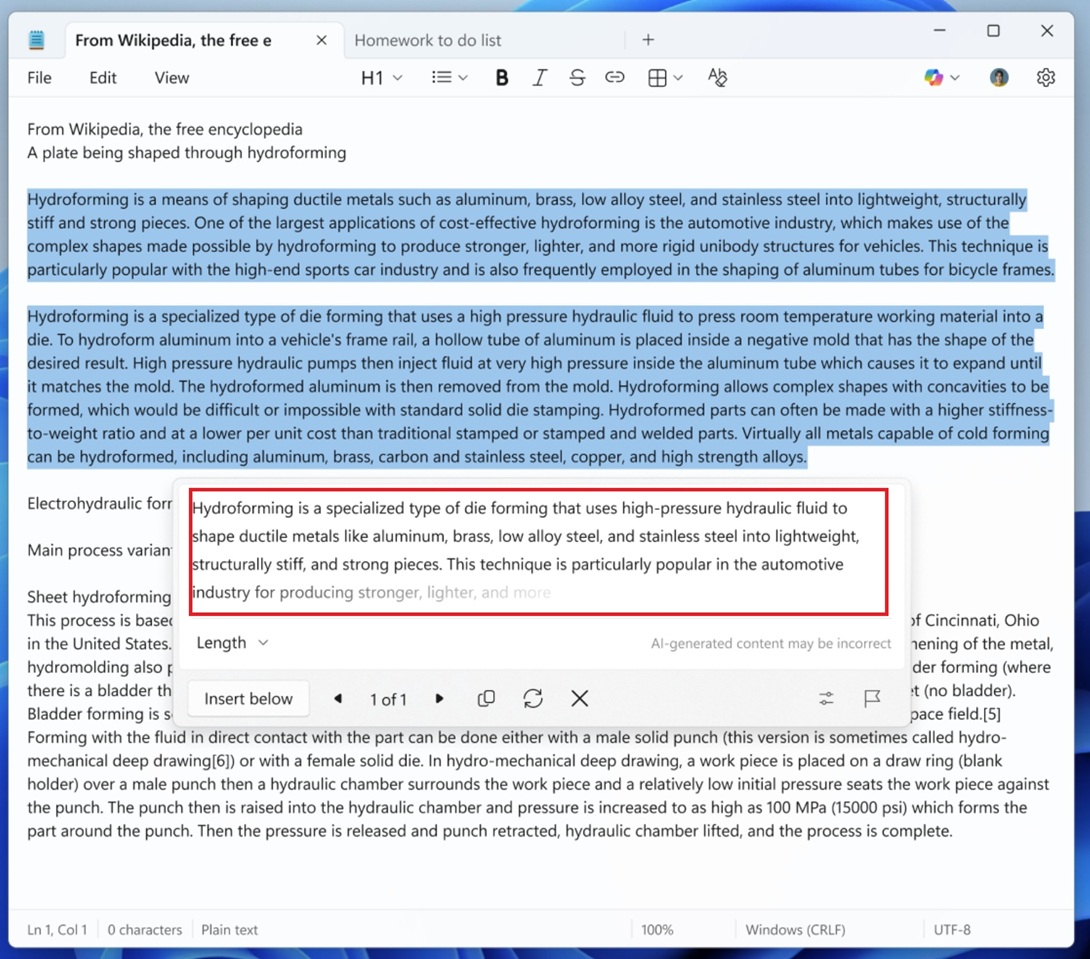
You can punch in raw text, right-click it, and have Notepad rephrase, shorten, or expand it with GPT-powered suggestions, and thus defeat the whole purpose of Notepad. The app was originally supposed to help you jot down quick thoughts, or, like a real notepad, it would help you think. But if AI is doing that for you, then what is being human anymore!
The Windows 11 File Explorer, which has been criticized for being too slow to launch, has its fair share of AI as well. Right-clicking on images gives you options to Blur background or Erase objects, which route through the Photos app’s AI models to detect the subjects and apply edits without opening the full editor.
For documents, File Explorer can hand off to AI to summarise or extract key points, especially when connected with Copilot and Microsoft 365. These can be useful, but it comes at the cost of an even slower File Explorer that, despite getting the ability to preload, still feels slow.
A funny inclusion of AI is in the Bing Wallpaper app, which opens a browser window to show Bing results when you click the desktop, and shows visual search results about the subject in the image. Totally useless.
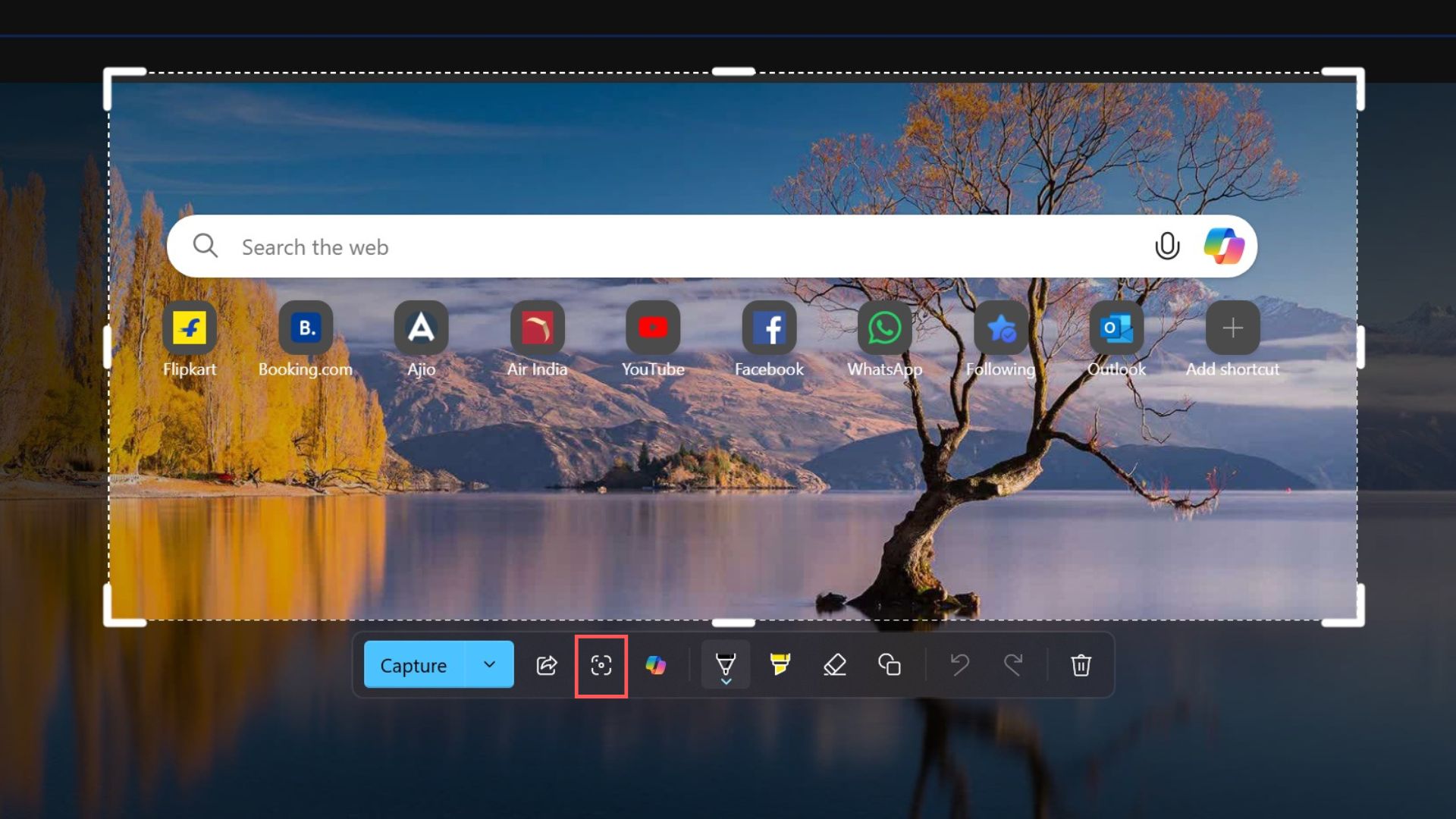
The same visual intelligence feature is one of the most useful features when it is paired with the Snipping Tool, and is now something as powerful and productive as Google Lens for Windows.
Speaking of productivity, Outlook, OneDrive, Word, Excel, PowerPoint, and OneNote all have Copilot in them. Microsoft 365 Copilot can summarise long email threads, draft replies, generate presentations, build charts from spreadsheets, and pull context from your files stored in OneDrive without you manually searching for them. But is it safe for your organization? Well, this is what Microsoft prefers its enterprise customers use.
There is also the dedicated Microsoft 365 Copilot app that is more like an AI-first hub where you can chat with Copilot, create documents, and search across your work in one place. I really miss the old Office app, and its name!
OneNote, which is one of my favourite note-taking applications, has got Microsoft 365 Copilot Notebooks. Not minding the poor naming scheme, it’s a powerful tool that “Bring together everything you need for your task or project such as Copilot chats, Word documents, PowerPoint decks, Excel files, and more into a single, focused space.”
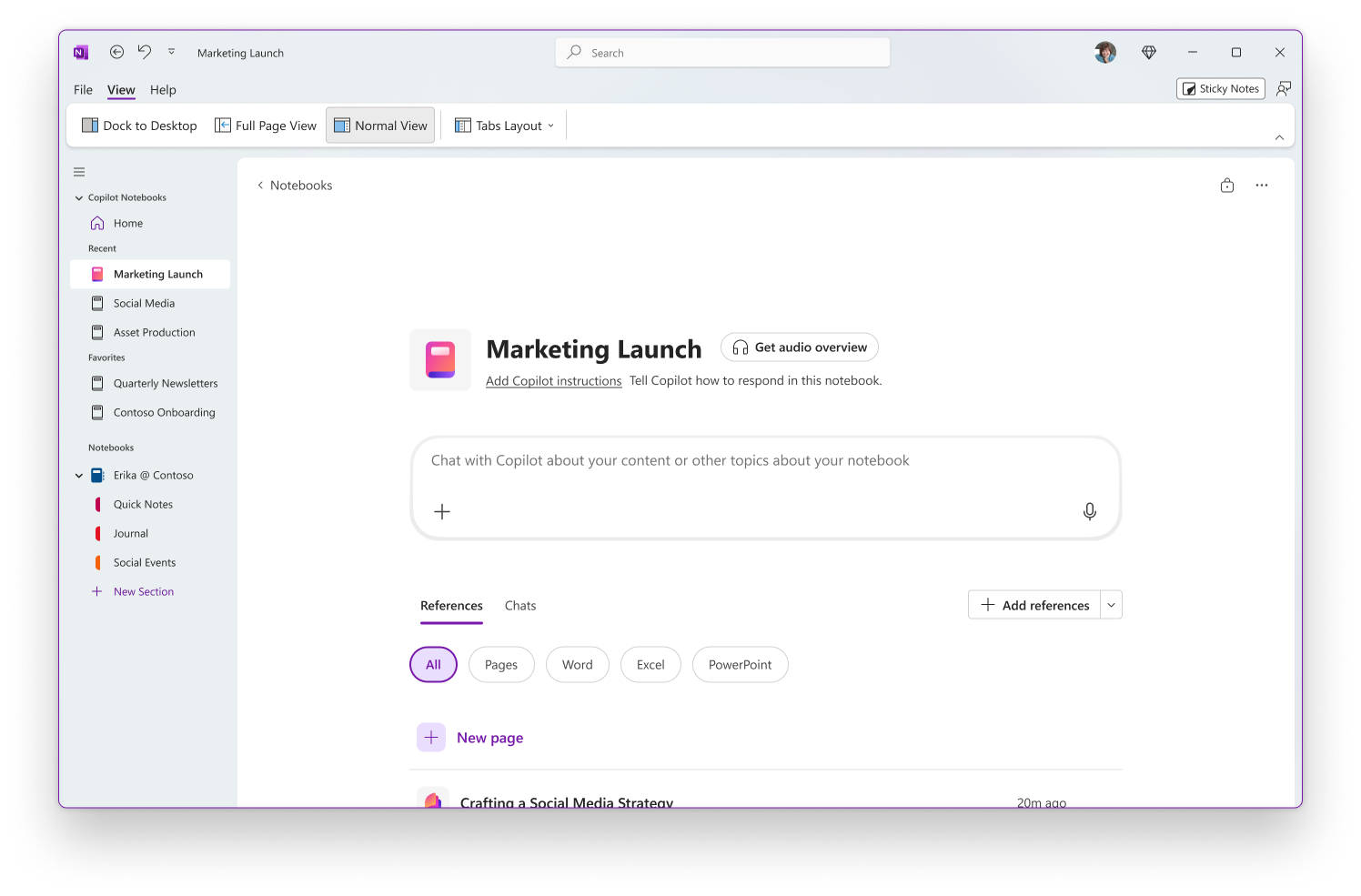
This has serious potential to be a long-term memory layer for projects and notes, like a second brain, especially for someone like me who uses OneNote to chart and journal my entire day…
The Windows Settings app has its own AI Agent as well. It uses a lightweight language model called Settings Mu, which is optimized using Settings data to help you find and adjust system settings.
The Microsoft Store also has AI‑generated review summaries for apps that consolidate user feedback into short, readable descriptions, helping you quickly understand the overall mood about an app without scrolling through hundreds of reviews.
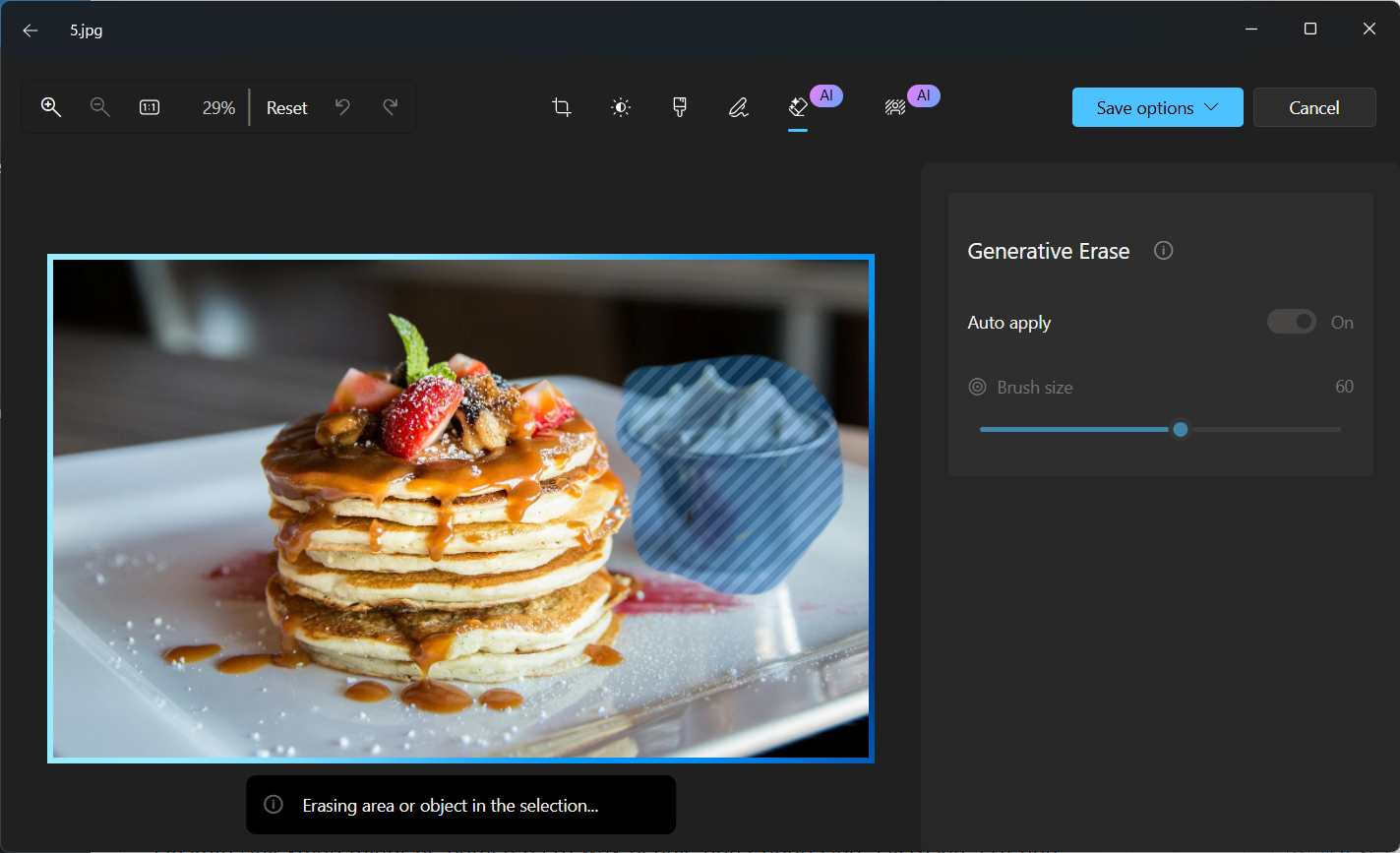
I saved my favourite for the last, and it is AI in the Photos app. I’m specifically talking about the AI object Erase and background removal tool, both of which I use every single day for work.
And that’s my general thought about AI in Windows. There is substance and use in many of these tools, which are already available in other platforms as well, like Android and macOS. But Microsoft’s inability to communicate stuff to regular people makes users hate their implementation the most.
Why do so many people think AI in Windows 11 is underwhelming?
Mustafa Suleyman might be baffled as to why people don’t appreciate Microsoft’s AI and agentic OS push, but users are clear about what they want and what they don’t want.
One user replied to the AI CEO’s post, “The problem is you’re injecting a solution into a “problem” that doesn’t exist. You (or your organization, whoever is in charge of decisions on products) keeps inserting AI into anything. People do NOT want that.”
The consensus is that it’s not that the tech is bad. It’s that it’s being forced into every corner in Windows, which are places where people just don’t need or want it.
AI, in its current state, is extremely intrusive
All the big tech companies have invested too much of their worth into AI, to the point that it makes it unviable for them to back off. Their only solution is to make regular people use AI as much as possible to justify the continued investments.
I believe that an AI tool feels most useful when it doesn’t have any marketing hype about the AI itself, but instead focuses on the results.
And that creates the illusion of a tool. AI should be the underlying technology, and not the hype word. I know for a fact that the more Microsoft uses the word “Copilot”, the more they’ll be hated on, even if the AI evolves into something more useful.
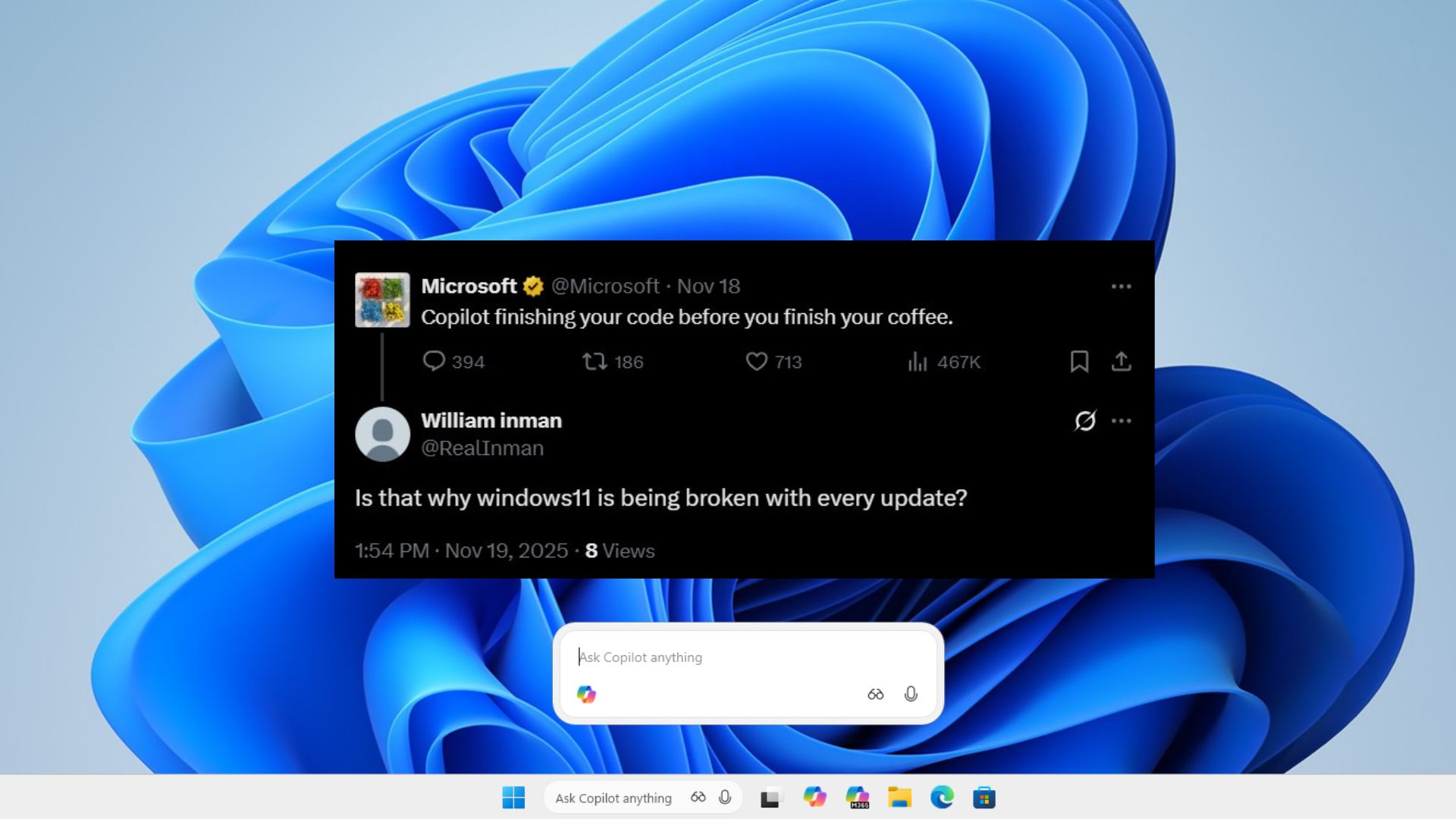
Any social media post that Microsoft makes about Copilot is being scoffed at by users. The company might be currently testing their biggest bet on AI with agents in Windows, but such agents are invoked from “Ask Copilot”. Honestly, I do not see a reality where users are going to like it when it is released to the general public.
AI overload creates privacy & trust issues
Microsoft’s Recall feature, which technically sounds extremely useful, faced severe backlash and forced the company to recall it and schedule it for a later roll-out, making it an optional feature.
Microsoft later explicitly stated that the Recall feature works locally inside the operating system and does not rely on the cloud, and yet the users don’t seem to care because the narrative about AI being a privacy nightmare has already been established.
And it became stronger when Microsoft themselves acknowledged that AI agents inside Windows 11 can hallucinate, misbehave, and fall for brand-new forms of attacks. This isn’t fearmongering from security researchers, but Microsoft admitting it in their support documentation.
Windows Latest covered the privacy issues with Experimental Agentic features in detail, where I broke down the fact that AI agents in Windows 11 are vulnerable to Cross Prompt Injection, malicious UI elements, documents, and even malware. These agents can be tricked into copying files, leaking sensitive data, or acting unpredictably. And that’s because they “see” the UI the same way a human does, but without a human’s judgment.
When the same company that wants AI agents inside your file system also tells you those agents might get confused by a rogue textbox, trust obviously falls apart. People already don’t trust Windows 11 with something as simple as telemetry. Now Microsoft is asking them to trust autonomous agents with access to Documents, Downloads, Pictures, Videos, Desktop, and Music.
People don’t think AI in Windows is underwhelming because the tech isn’t good enough. People think it’s underwhelming because it creates stress. It creates doubt. It creates the feeling that the OS is no longer fully yours.
At some point, Microsoft needs to pause and look at the state of Windows 11 itself. The OS is still being criticized for basic stability issues. If Microsoft genuinely wants people to embrace AI on Windows, they need to fix Windows first. Make the OS fast, stable, and predictable again, like the golden age of Windows 7.
When the fundamentals feel solid, people will be more open to experimenting with new ideas, like AI. But when the house is already creaking, adding more roofing material only makes everyone want to run outside.
The post As Windows 11 turns into an AI OS, Microsoft Copilot boss does not understand how AI is underwhelming appeared first on Windows Latest